
Buy a label workflow, not another general printer
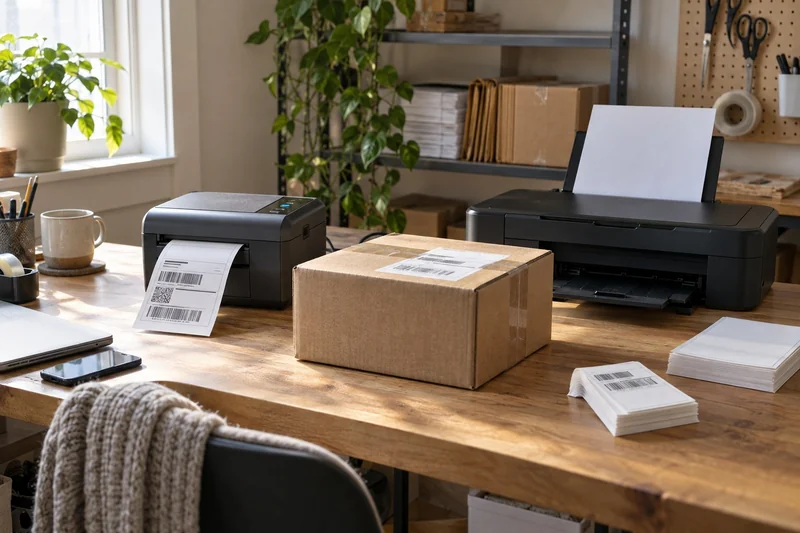
A thermal label printer earns its place when shipping parcels is a repeated task and a dedicated roll removes steps from the packing routine. An inkjet you already own can be the better starting point for occasional parcels, especially if it also handles documents and color work.
The decision is not simply “ink costs money, thermal is free.” Direct thermal printing avoids ink and toner, but compatible label media still costs money. Compare the actual labels, the shipping device and the repeated steps before adding another machine.
When a dedicated parcel printer helps
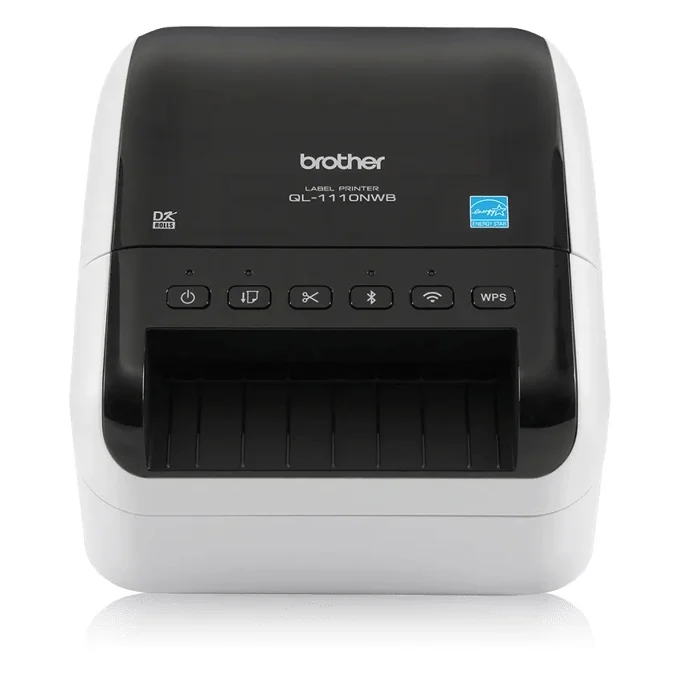
The Brother QL-1110NWB is a wide monochrome direct-thermal model with an automatic cutter. Its US specifications list USB, Wi-Fi, Ethernet and Bluetooth connections. It is worth considering for a shared or repeatable parcel-label station.
The catch: confirm the roll and shipping template together. “Wide label printer” does not mean every generic 4 × 6-inch roll fits. Brother uses supported DK media, and the supplied large die-cut starter labels are not an excuse to skip the size check.
Also keep the speed claim in context. Brother's advertised 69 labels per minute refers to standard address labels, not large shipping labels. It does not predict how quickly your entire packing workflow will run.
When your existing inkjet is enough
If you only ship a few parcels and your current printer produces readable barcodes on supported media, use that working setup to establish the real inconvenience. Is it reloading paper, trimming, taping, or waiting for another person's print job? A dedicated printer has a clearer purpose once that repeated step is visible.
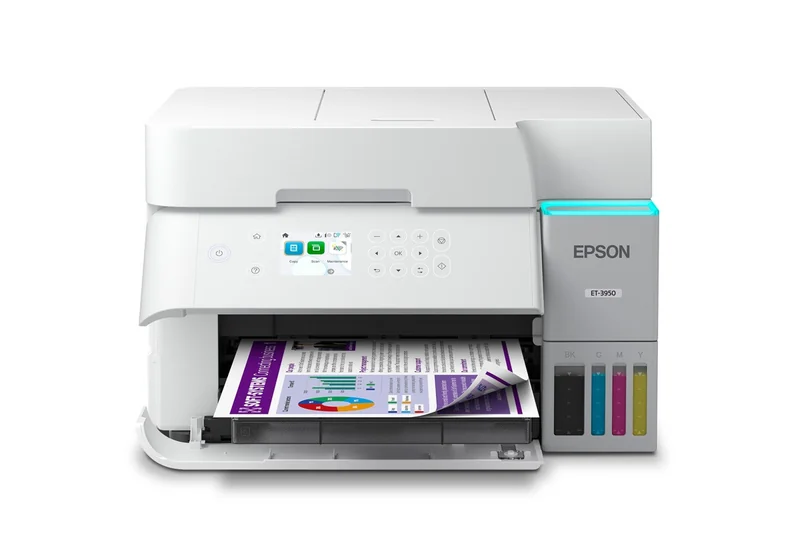
For someone replacing a general color printer, the Epson EcoTank ET-3950 is a separate all-in-one route. It can serve broader document work; it is not a roll-fed thermal-label substitute. Check Epson's media guidance for the paper or adhesive stock you intend to use.
The catch: do not buy a whole new inkjet just to avoid buying a shipping-label printer unless the other paper jobs also justify it. Our ink tank versus laser comparison covers that broader purchase.
Make the break-even calculation yours
Use this calculation with actual quotes, including compatible media:
Extra printer cost ÷ saving per label = labels needed to recover the extra cost.
For an illustration only, a $180 extra setup cost and $0.10 saving per label would require 1,800 labels. These are example inputs, not current prices or a promised saving. If your real label cost is the same or higher, there is no supplies-only break-even; convenience must justify the purchase instead.
Run one complete shipping check
| Check | A useful pass condition |
|---|---|
| Your shipping app and device | It sends the intended label to the printer |
| Template and compatible media | The complete label fits without clipped edges |
| Barcode and text | The output is clear at the shipping platform's required size |
| Repeated task | The dedicated setup removes a step you actually repeat |
Choose thermal when regular shipping makes that dedicated station useful. Keep the working inkjet when occasional labels fit comfortably into its broader job. Let your own parcel volume and workflow decide whether a second printer is worth owning.