
Color needs settle the first decision
A low cost per page is useful only if the printer does the job. School projects, charts and color handouts create a different requirement from occasional return labels or black-and-white forms. Start with five documents you expect to print, including the ones that genuinely need color.
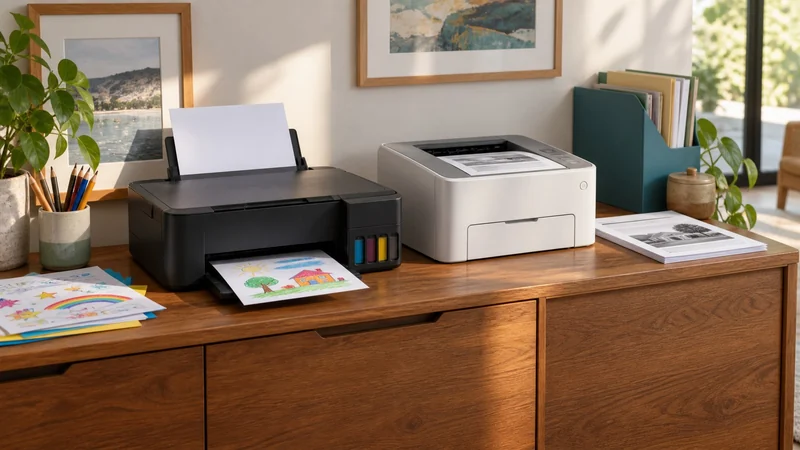
The two examples below illustrate different buying routes. The tank model also copies and scans; the laser model prints only. They are not interchangeable all-in-ones, and monochrome is not a limitation of every laser printer.
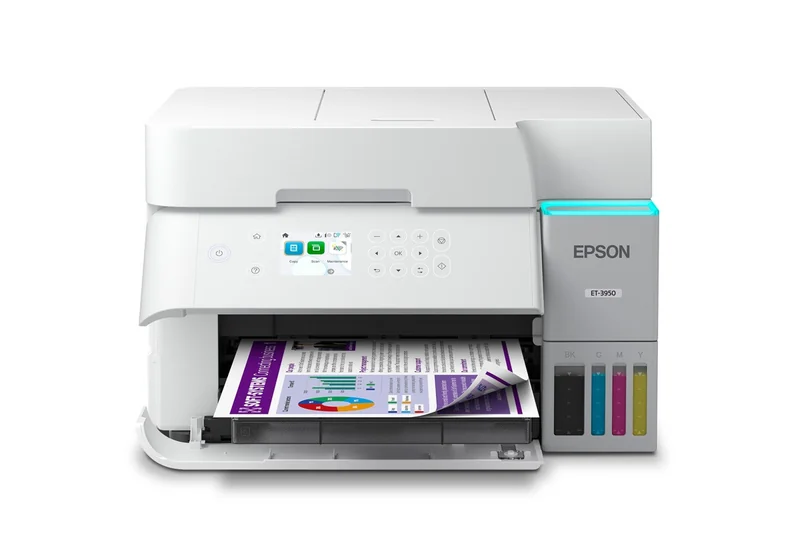
For regular color work: Epson EcoTank ET-3950
The Epson EcoTank ET-3950 in white combines refillable ink tanks with printing, copying and scanning. Its 250-sheet tray and automatic duplex functions can be useful when family and home-office paperwork share one machine. The US product details describe the exact C11CL43201 version.
Plan for upkeep: include printhead care in the ink-tank routine. Epson says ink is used in both printing and printer care. Its user guide covers nozzle checks and recovery when print quality deteriorates after non-use. Use the model's maintenance instructions when printing becomes infrequent.
If you print rarely, consider whether you want that maintenance routine. If you already print color regularly, the convenience of bottled refills has a clearer purpose.
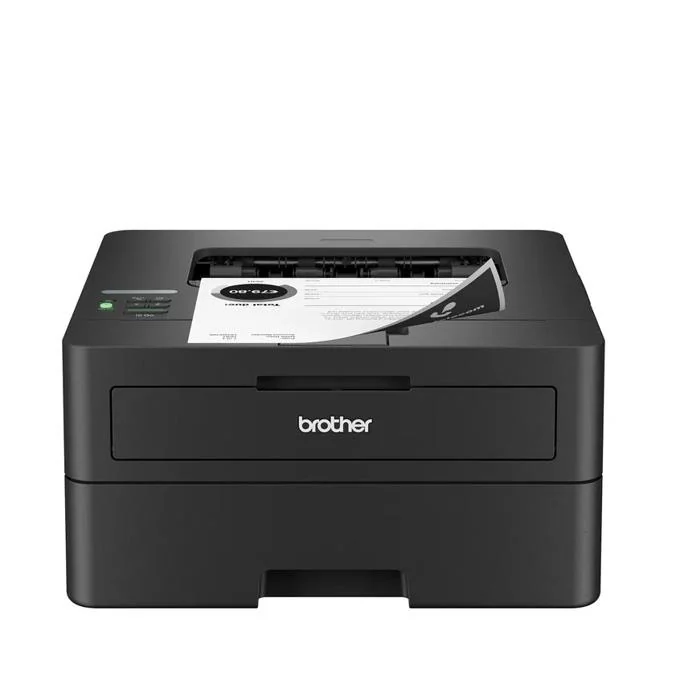
For black-and-white documents: Brother HL-L2460DW
The Brother HL-L2460DW offers automatic two-sided printing and a 250-sheet tray in a print-only monochrome model. It is worth considering when crisp text documents are the recurring task and you already have another way to scan.
Brother's specifications identify separate toner and drum supplies. Include both in a longer-term budget. The box contains a 700-page-rated starter toner cartridge; that is different from buying a replacement high-yield cartridge. Actual pages depend on the documents and use.
The catch: this model cannot print color, copy or scan. If those jobs matter, compare a suitable laser all-in-one or the tank route instead of adding a separate device by accident.
Compare a year of your printing
Use your own estimated pages, split between color and black-and-white. Compare today's purchase price, included supplies, likely replacements and any paid software you actually need. A month with twenty short forms is different from twenty full-page color graphics.
There is no honest break-even figure here without matched prices, yield assumptions and your workload. The included-supply row helps identify what comes with each box; it is not a controlled cost-per-page result. A printer that meets your needs with less unused capability can be the better purchase even when another model advertises more included ink.
Check the scanning job separately
Two-sided printing does not automatically imply two-sided scanning. This ET-3950's manual documents an auto-duplex ADF; the HL-L2460DW has no scanner at all. For existing paperwork, use the flatbed versus sheet-fed comparison to decide whether an all-in-one's scanner fits the originals or a separate unit earns its space.
Choose the tank route when color and the combined paper jobs will be used regularly. Choose the monochrome laser when black-and-white printing is the job. Keep scanned documents backed up whichever printer you buy.
Choose the supply arrangement separately
For a compatible cartridge printer, ink subscription versus buying supplies yourself adds the cost of quiet months, extra-page blocks and leaving the plan. Compare the same paper jobs first: a supply subscription does not make a print-only machine scan, or a monochrome model print color.
Give parcel labels their own decision
If the repeated job is shipping parcels, a general document printer is only one option. Thermal label printer versus inkjet compares compatible media, shipping templates and the steps a dedicated roll-fed setup can remove. Keep color-document needs separate from monochrome parcel labels.