
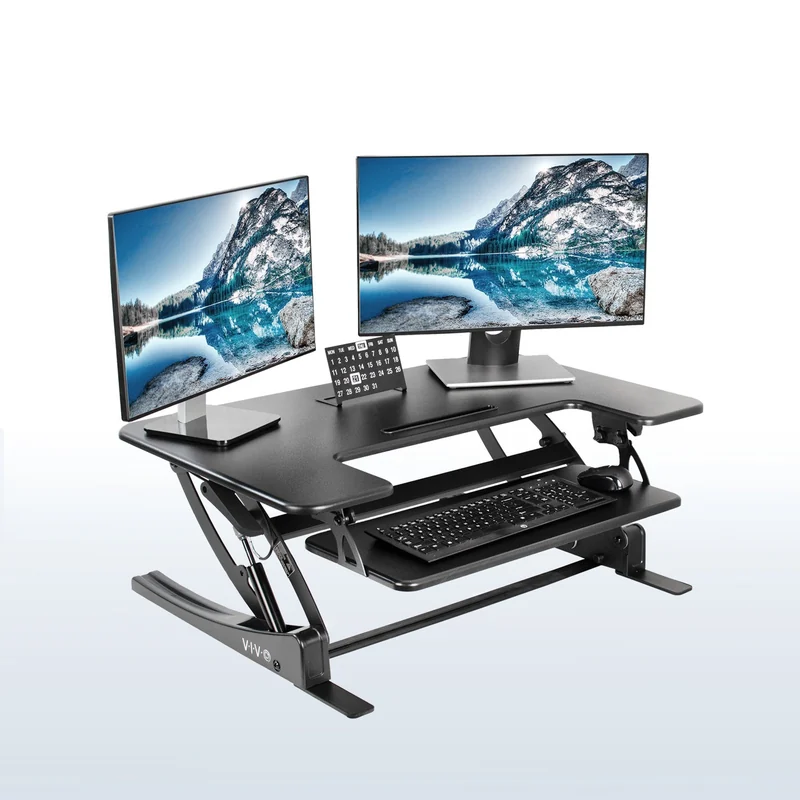
Keep the desk you like
VIVO DESK-V000V · 36-inch black
An existing desk with room for a two-level converter.
Problem-first topic hub
Match a portable monitor to the laptop's video output, power, desk footprint, and repeated work, then diagnose a blank screen before replacing it.
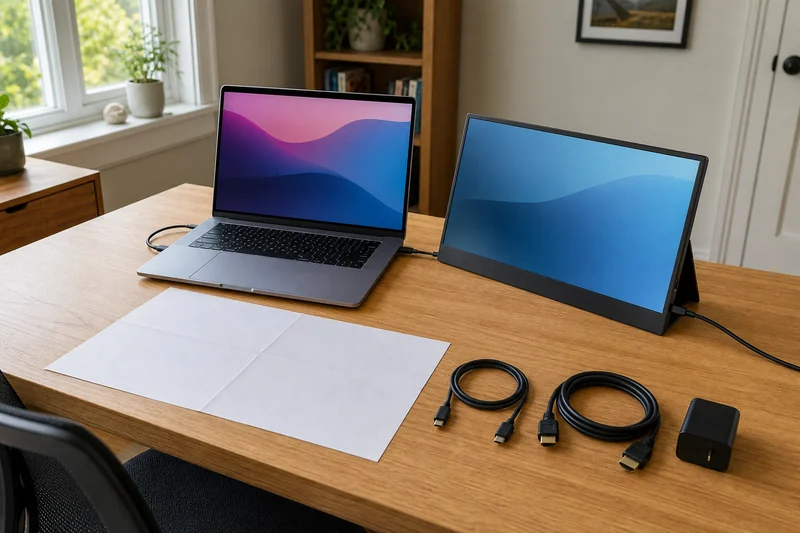
Recommended order
Exact-product research
Use the guides to define the job first, then compare these source-supported product roles.
As an Amazon Associate I earn from qualifying purchases.
Keep the desk you like
An existing desk with room for a two-level converter.
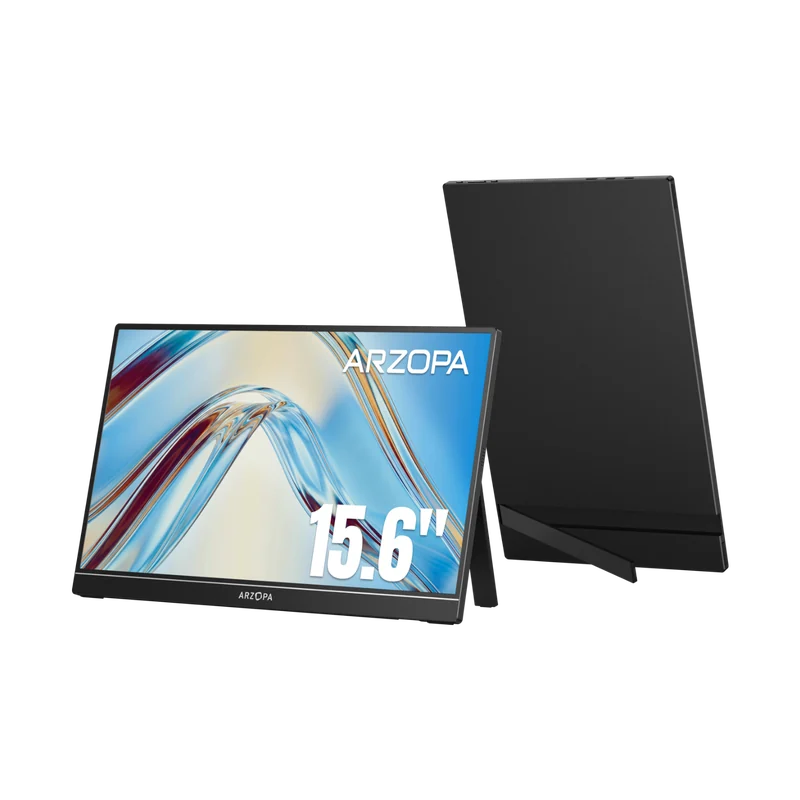
Add a straightforward second screen
Office work with USB-C video or mini HDMI.
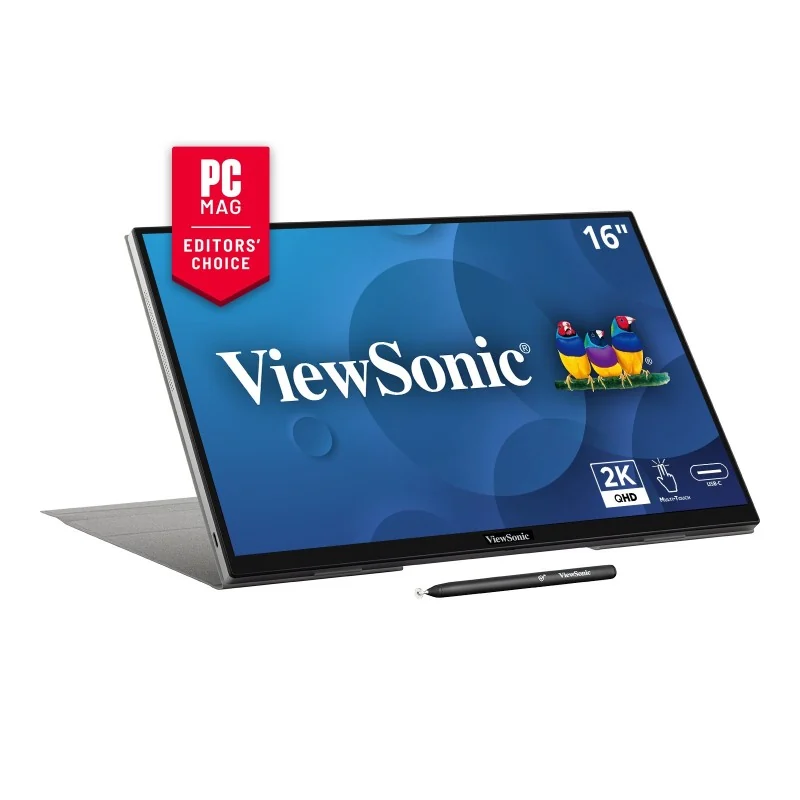
A sharper portable touch workspace
Work that benefits from a 16:10 screen and touch input.
Available now
12 answers
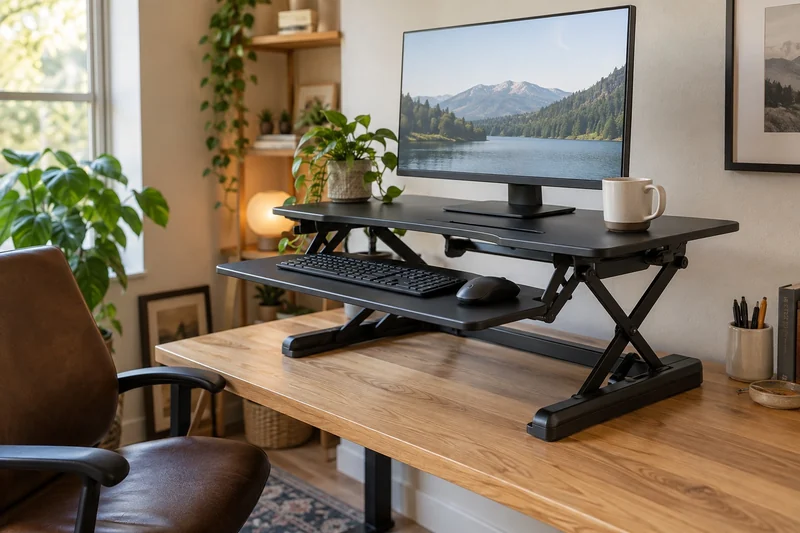
Compare keyboard height, usable space and complete setup cost before replacing a desk or adding a converter.
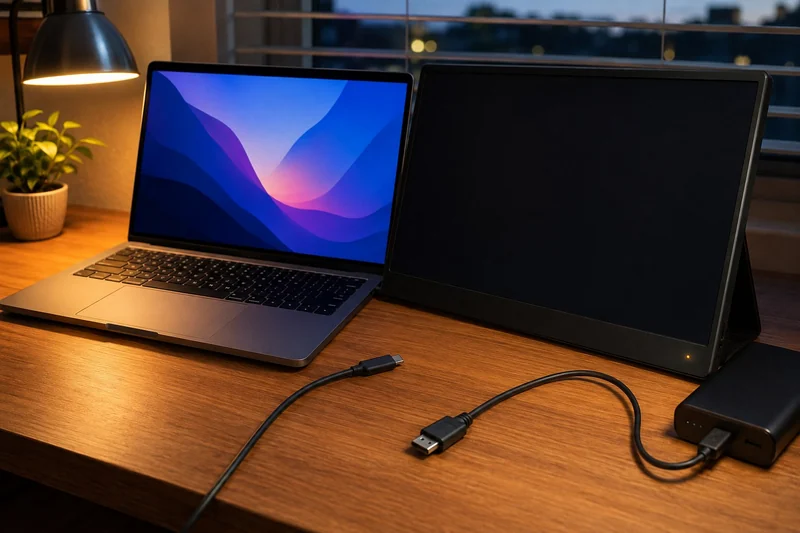
Diagnose power, USB-C video support, input selection, cable, adapter, display settings, and laptop display limits in a controlled order.
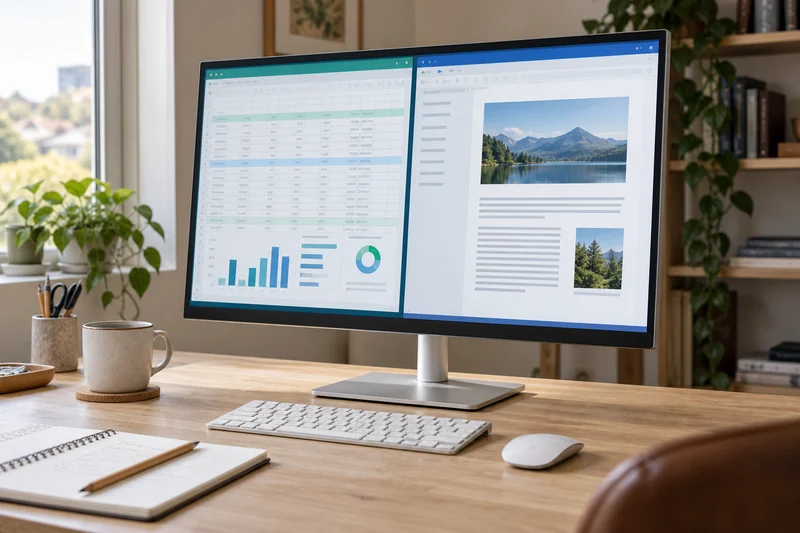
Compare 27-inch 1440p and 4K monitors for office work. See how scaling changes workspace, compare two Dell models, and match the screen to your connections.
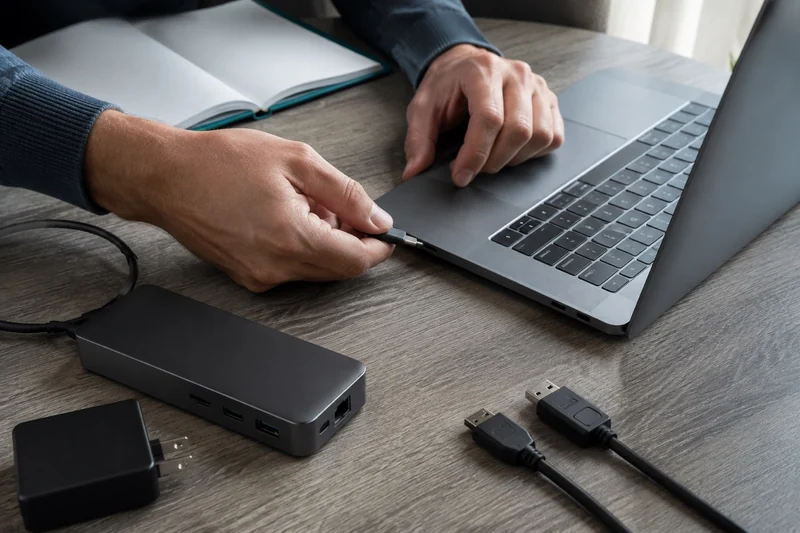
Match a docking station to your laptop, monitors, charger and software permissions. Use five short checks to narrow the options and list the extras you need.
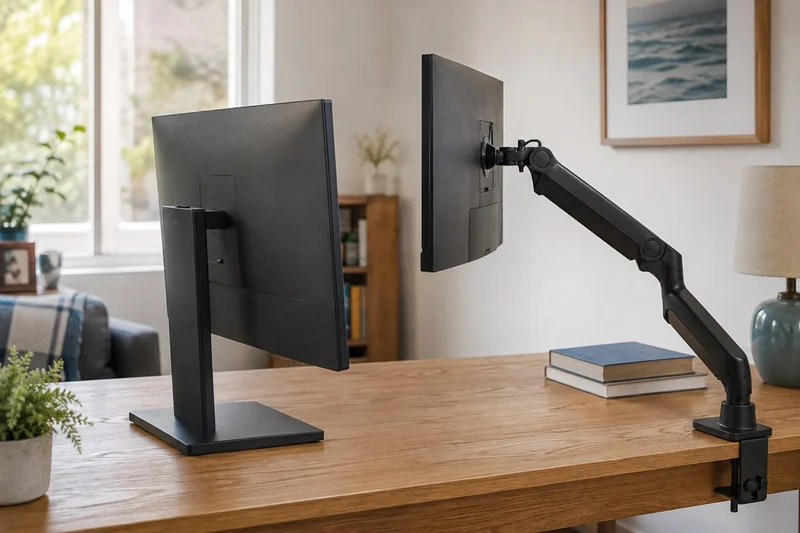
Compare monitor arms, freestanding stands, risers, and the stock base by viewing position, desk structure, movement, cable reach, and setup risk.
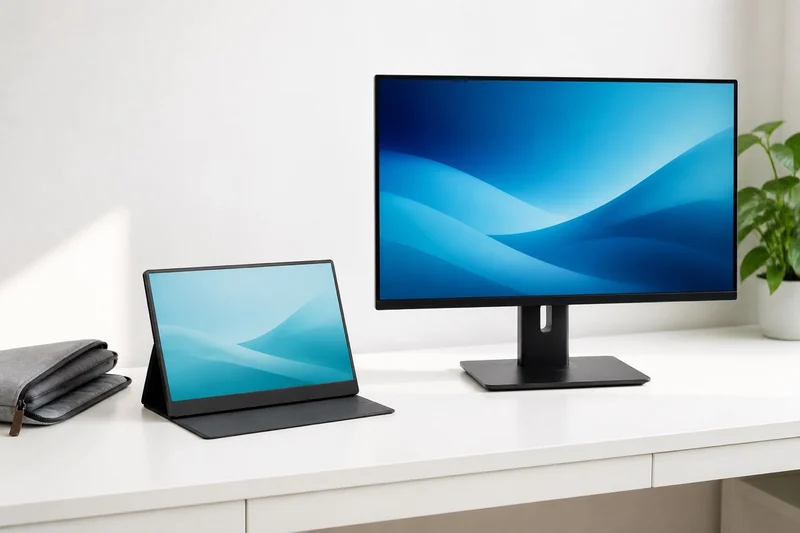
Compare a portable screen with a desk monitor by pixels, screen size, stand adjustment and video inputs. See why a larger display may show the same workspace.
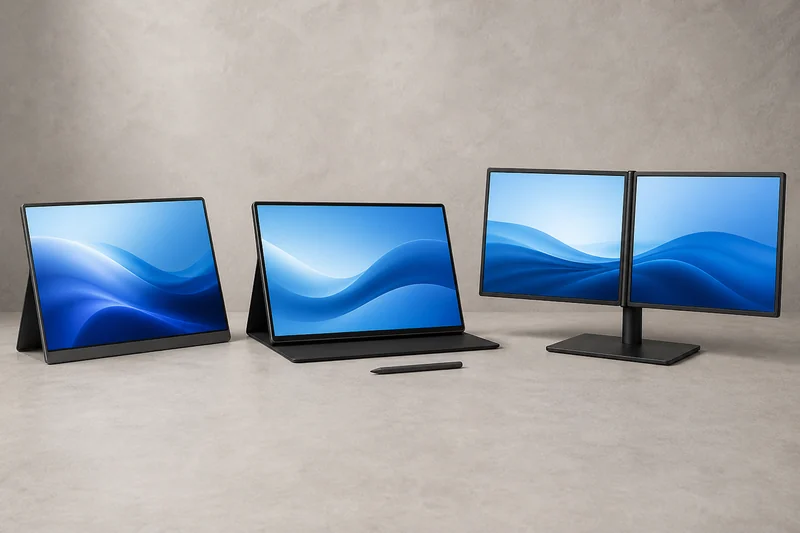
Compare a budget 1080p panel, a sharper touch display, and a premium dual-screen system by connection, power, footprint, and repeated work.

Four home office gifts for a shared table or permanent desk. Compare a portable monitor, screen mounts and cable tray with the fit checks that matter.
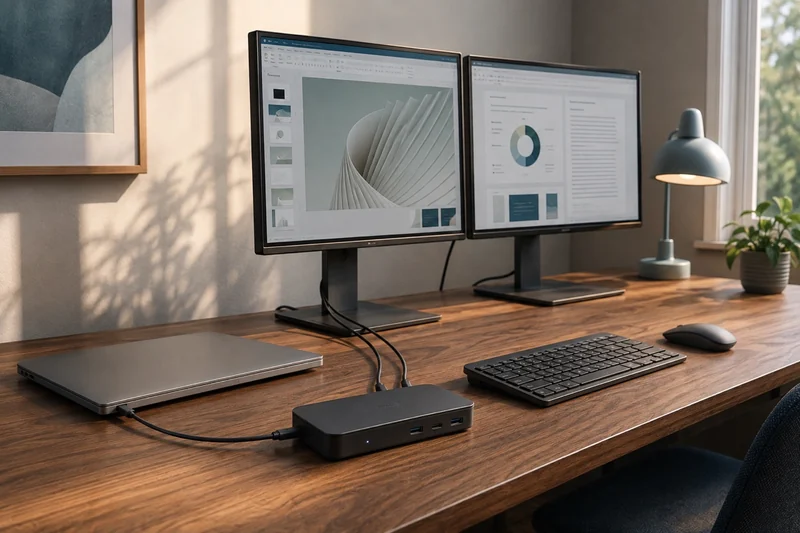
Compare Anker 565, Plugable UD-6950PDH and CalDigit TS4 by two-screen support, laptop charging, software requirements and the cables your desk needs.
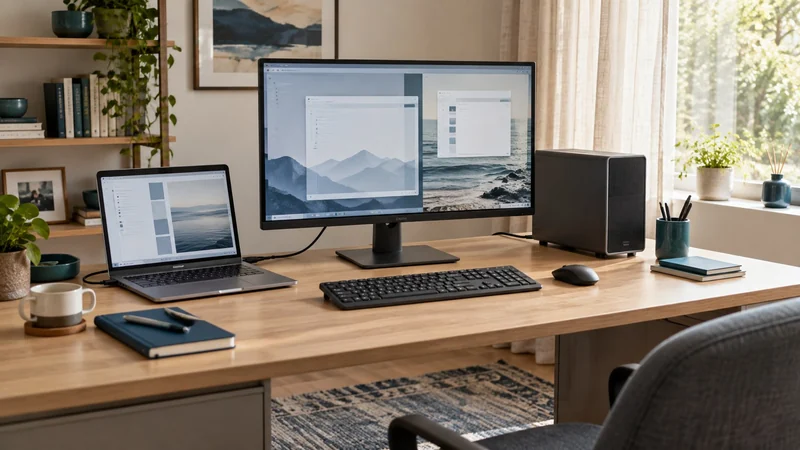
Share a work laptop and personal computer with one keyboard and mouse. Compare a KVM monitor, external switch and simpler USB-only setup.
Match a portable monitor to the laptop's video output, power, desk footprint, stand, and repeated work before comparing screen specifications.
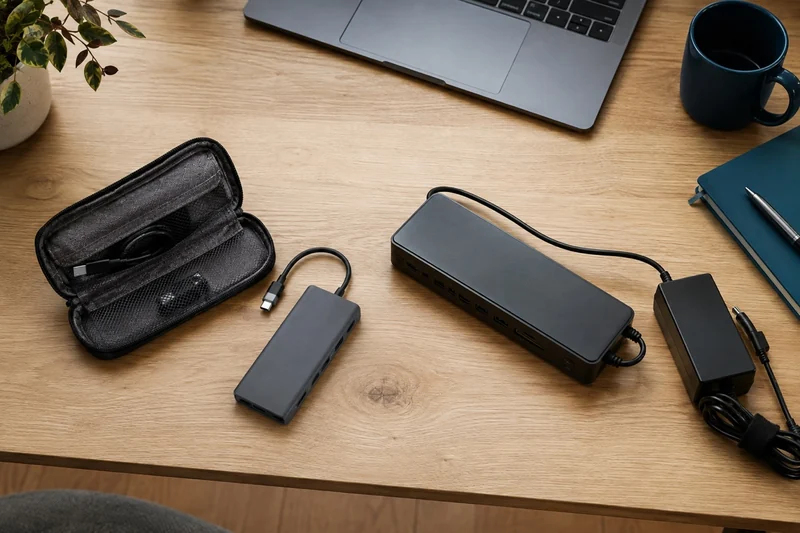
Choose a USB-C hub or docking station by the monitors, charging and connections your laptop needs. See when a compact hub is enough and a desk dock adds more.