
What would an outage interrupt?
A desktop saving a project and a laptop with a charged battery need different plans. Start with the equipment you need to keep running, rather than buying backup for everything on the desk.
| Your setup | A practical starting point |
|---|---|
| Desktop or storage that needs a clean shutdown | A UPS sized for the computer, essential display and storage. Check runtime at their combined load. |
| Laptop that already has battery power | Consider backup for the modem, router and optical terminal. Local power still cannot guarantee the provider stays online. |
| Equipment that can stop immediately | A suitable surge protector may cover the job without adding a battery to maintain. |
Enough watts does not mean enough minutes
A UPS's output rating tells you which load it can support. The runtime curve tells you how long it can support it. Choose the time needed to save and shut down, then compare that with the curve for your equipment's combined watts.
For example, a 300 W desktop setup needs a runtime figure at roughly 300 W. A 1000 W output rating does not tell you that duration. This is a sizing example, not a measured runtime result.
ENERGY STAR's buying guidance recommends choosing around the equipment, required features and needed uptime. Automatic shutdown is useful when you might be away from the desk: check USB communication and current operating-system support before relying on it.
APC vs CyberPower: two desktop UPS options
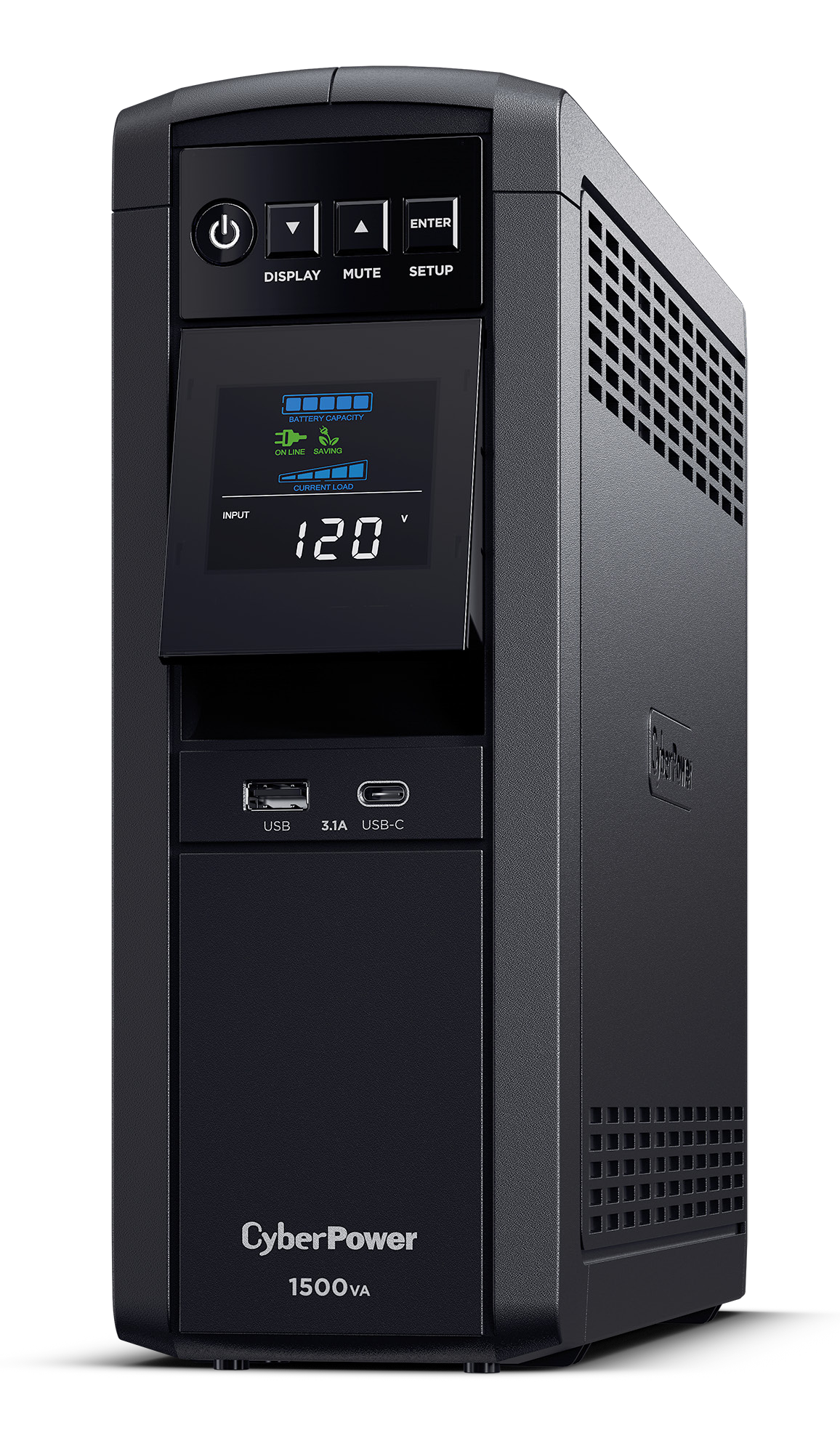
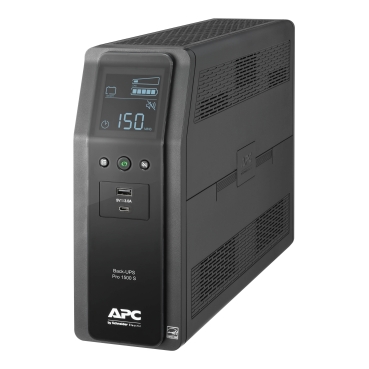
The CyberPower CP1500PFCLCD and APC Back-UPS Pro BR1500MS2 serve a similar job: keeping essential desktop equipment running long enough to save work. Both are 120 V US models with sine-wave battery output and automatic voltage regulation (AVR).
Swipe or scroll to compare both models.
| Feature | CyberPower CP1500PFCLCD | APC BR1500MS2 |
|---|---|---|
| Rated output | 1500 VA / 1000 W | 1500 VA / 900 W |
| Battery-backed outlets | 6 | 6 |
| Surge-only outlets | 6 | 4 |
| Battery waveform / AVR | Sine wave / Yes | Sine wave / Yes |
| USB charging | USB-A + USB-C | USB-A + USB-C |
| Replacement battery | Match the serial number below | APCRBC163 |
Manufacturer specifications checked September 14, 2026: CyberPower data sheet, APC data sheet and APC replacement-battery listing.
CyberPower gives you 100 W more output capacity, but no extra battery-backed plugs. Its two additional outlets are surge-only. If your equipment fits either unit, compare runtime at the same watt load, then the current price and replacement-battery cost. Equal 1500 VA labels do not establish equal runtime.
APC lists APCRBC163 for this model. CyberPower's battery choice depends on the serial prefix: CXX uses RB1290X2; CR9, CXF or CQC uses RB1280X2B. Confirm the label on the unit before ordering a replacement. For shutdown communication, check current operating-system support separately from the front USB charging ports.
A charged laptop with only a small networking load may need a smaller UPS. Size for that load's runtime requirement; neither desktop model is a minimum specification for every desk.
When a surge protector is enough
A surge protector can suit equipment that may turn off during an outage. Look at its electrical rating, protection indicator and replacement instructions. It supplies no battery runtime, as Eaton's comparison explains.
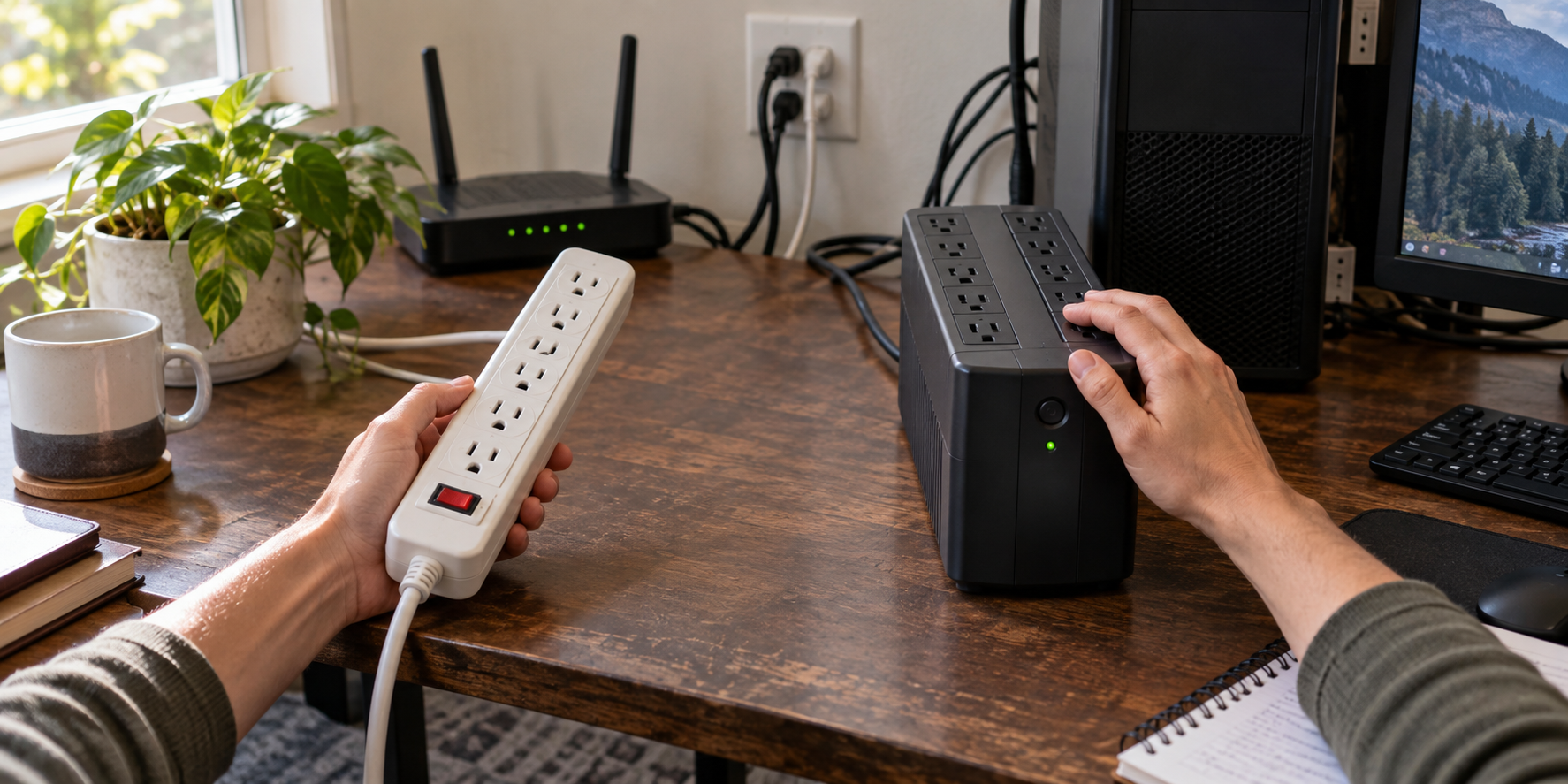
Do not solve an outlet shortage by stacking power devices. APC's connection guidance advises against surge strips on the output of its Back-UPS and Smart-UPS families. Follow the connection instructions for whichever model you choose.
Need longer backup?
If your goal is hours of operation or power away from the desk, compare a UPS with a portable power station. For the finished desk, use the cable-management guide to keep connections reachable while preserving the power equipment's required spacing.