
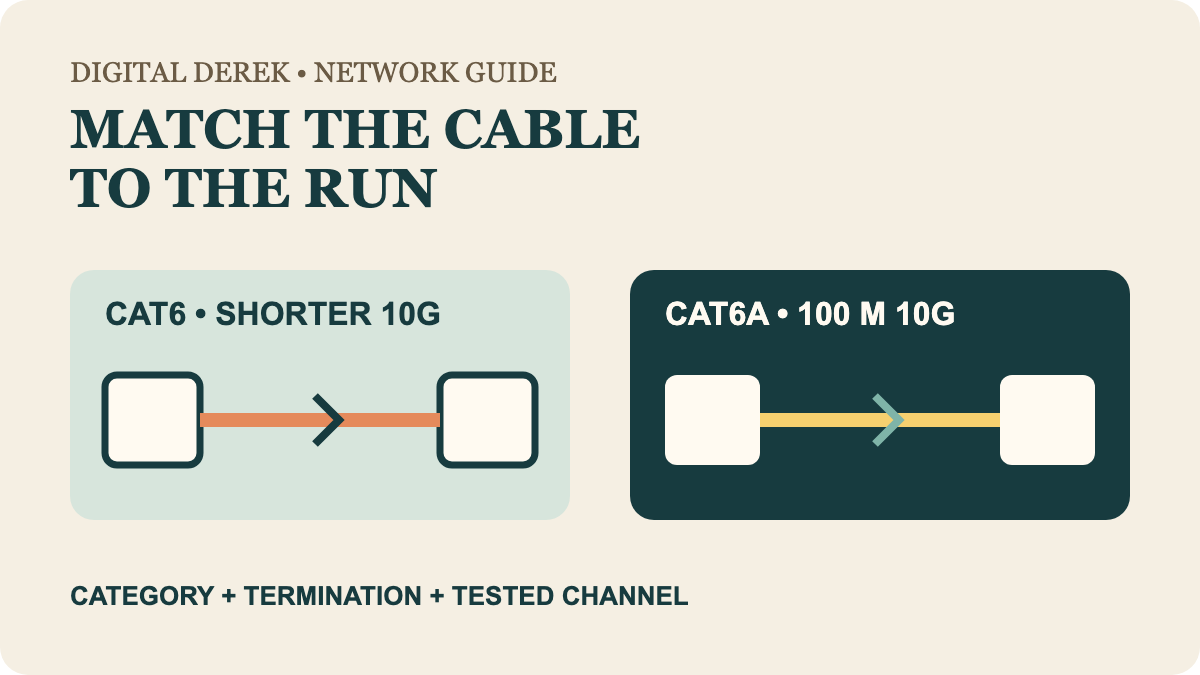
Buy for the permanent run, not the number on the jacket
For a short patch between a computer, switch and NAS, good Cat6 can be sufficient. For new in-wall cabling where 10GbE must work across a full 100-meter channel, Cat6A is the direct specification. The decision changes with distance, cable bundling, termination space and whether the installed link will be certified.
| Installation need | Useful starting path | Check before buying |
|---|---|---|
| 1GbE to 100 meters | Cat6 | Complete channel and component ratings |
| 2.5GbE or 5GbE on an existing run | Test the installed Cat6 first | Negotiated link, errors and applicable equipment support |
| 10GbE on a shorter run | Cat6 can qualify | Length, bundling, alien crosstalk and certification |
| 10GbE to 100 meters | Cat6A | Cat6A jacks, patch panels, bend space and test plan |
| Short desk patch cord | Do not overbuild automatically | Flexibility, connector fit and certified source |
Cisco's Catalyst installation guide states that Category 6 can support 10Gbps to 55 meters under the applicable installation conditions, while Category 6A supports 10Gbps to 100 meters. Fluke Networks' cabling guidance adds the crucial qualifier: alien crosstalk and the complete installed channel determine whether the link passes.
Cat6 is not obsolete
CommScope's Cat6 overview describes the category at 250 MHz, with 1GbE supported to 100 meters and shorter 10GbE reach. That makes Cat6 a rational choice for many desks, apartments and existing installations. A 2.5GbE switch does not require Cat6A merely because its port number exceeds one gigabit.
If the equipment decision comes first, use the Gigabit versus 2.5GbE switch guide. Verify that both endpoints and every link in the path support the target rate.
Cat6A buys a longer 10GbE design target
CommScope's Cat6A guidance lists 500 MHz performance and a 100-meter 10GBASE-T channel. Cat6A also includes alien-crosstalk requirements intended for dense adjacent runs. That is the meaningful upgrade—not an assumption that files will transfer twice as fast.
The tradeoff is installation. Some Cat6A cable and connecting hardware are larger or stiffer, so conduit fill, bend radius, patch-panel depth and field termination deserve attention. But “Cat6A is always bulky” is too broad: Panduit documents reduced-diameter Cat6A designs near common Cat6 sizes. Compare the exact cable, not an old category stereotype.
The finished channel has to earn the label
A permanent link includes cable, jacks and terminations; a channel adds patch cords and connected hardware. A Cat6A box cannot make a poorly terminated mixed-component channel pass Cat6A limits. Keep twists to the maker's termination guidance, respect bend and pulling limits, and separate data cable from power as required by the installation rules.
For a critical new run, ask for certification results for each link rather than only a continuity light. For an existing short Cat6 run, a stable negotiated rate and error-free workload test can answer whether replacement is solving a real problem.
Choose distance certainty or installation simplicity
Choose Cat6 when the present speed and verified run length fit, especially for short desk connections and ordinary 1GbE or multi-gig use. Choose Cat6A for a new permanent channel where full-distance 10GbE is part of the design. In either case, buy traceable components and judge the installed path—not the marketing number on one cable.