
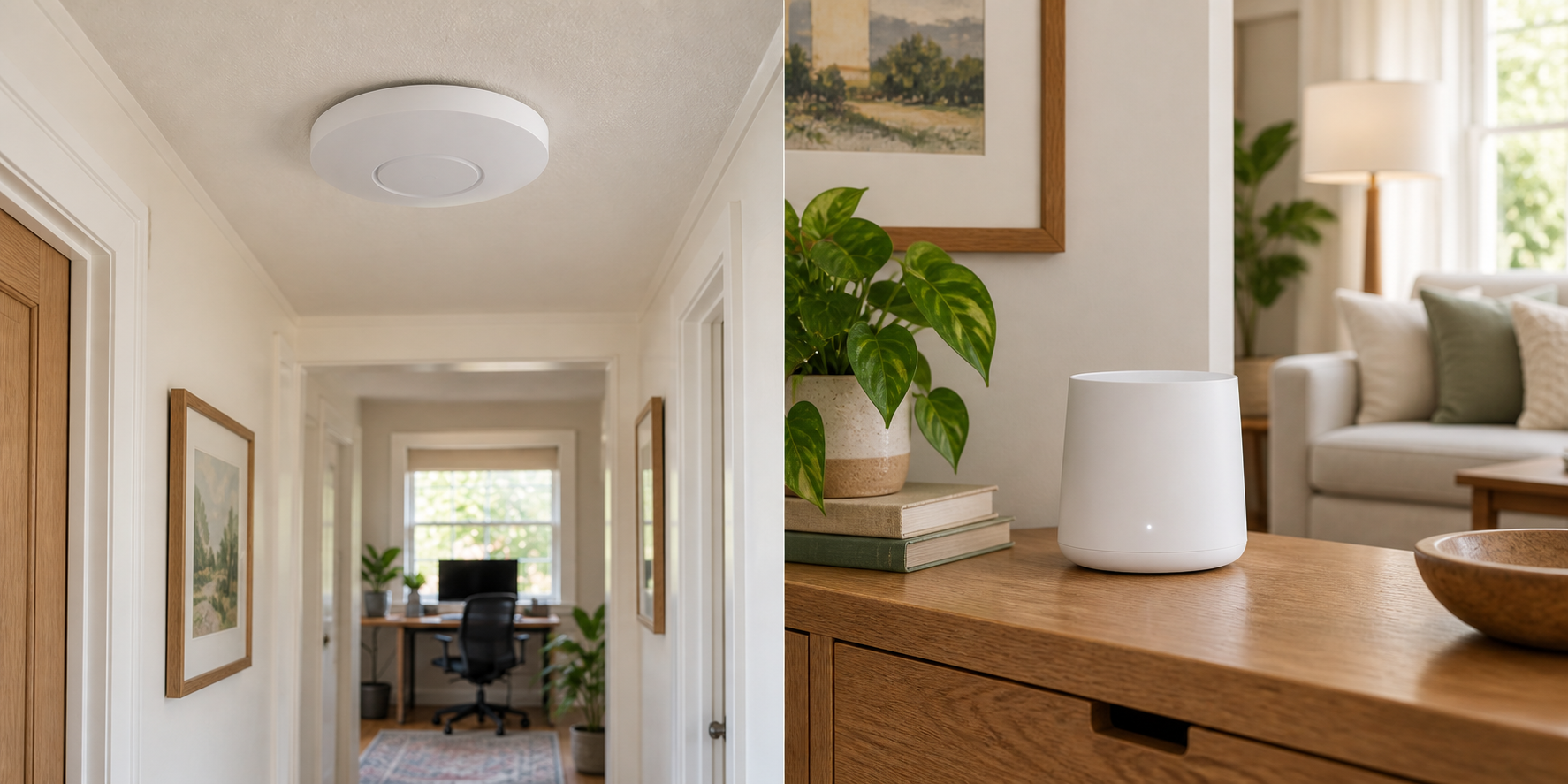
Ethernet gives you two good options
If a cable already reaches the room with weak Wi-Fi, you can use either a wired access point or a mesh node with Ethernet backhaul. The useful distinction is how you want to place, power and manage the system.
First, check the same device near your current router. If it is slow there too, adding another Wi-Fi unit may leave the original problem unresolved.
| What you have | Where to start |
|---|---|
| Ethernet to one weak room | One wired access point, or an Ethernet-connected node from your existing mesh system. |
| Several rooms, with cable to some | A system supporting mixed wired and wireless backhaul. |
| No practical cable route | Mesh nodes placed where they still receive a useful signal, before the dead zone. |
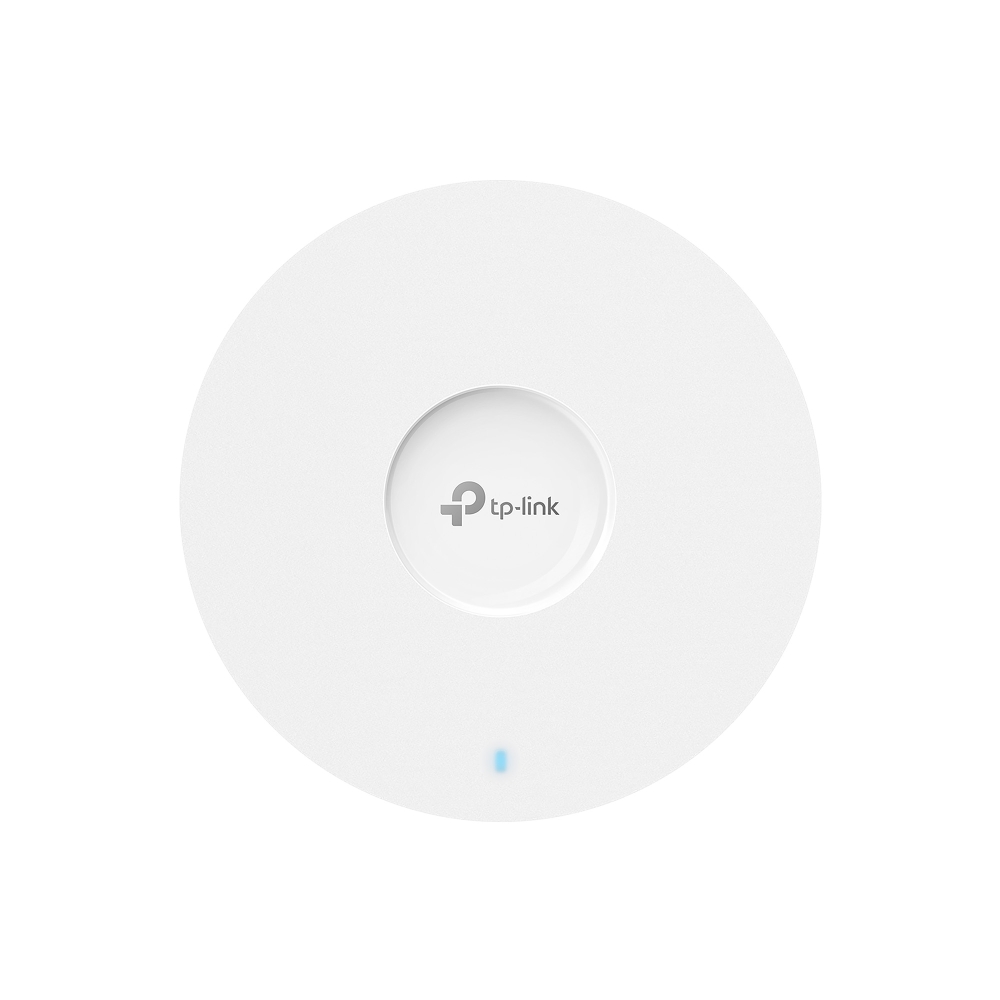
For one wired room: TP-Link EAP610
The TP-Link EAP610 is a ceiling-mount Wi-Fi 6 access point for an existing router and Ethernet connection. The EAP610 V2 specifications list one Gigabit Ethernet port and support for 802.3at PoE+ or the included DC adapter. With compatible PoE equipment, one cable can carry data and power to the mounting position.
For a single access point, standalone management can keep the setup simple. Omada Mesh and seamless roaming require an Omada controller; do not assume a standalone unit adds those managed features. Check the hardware version on the retailer's offer against its documentation, especially the power supply and supported firmware.
The Gigabit port also limits the wired connection to this access point. Higher advertised Wi-Fi link rates are not a promise of faster internet through that port.
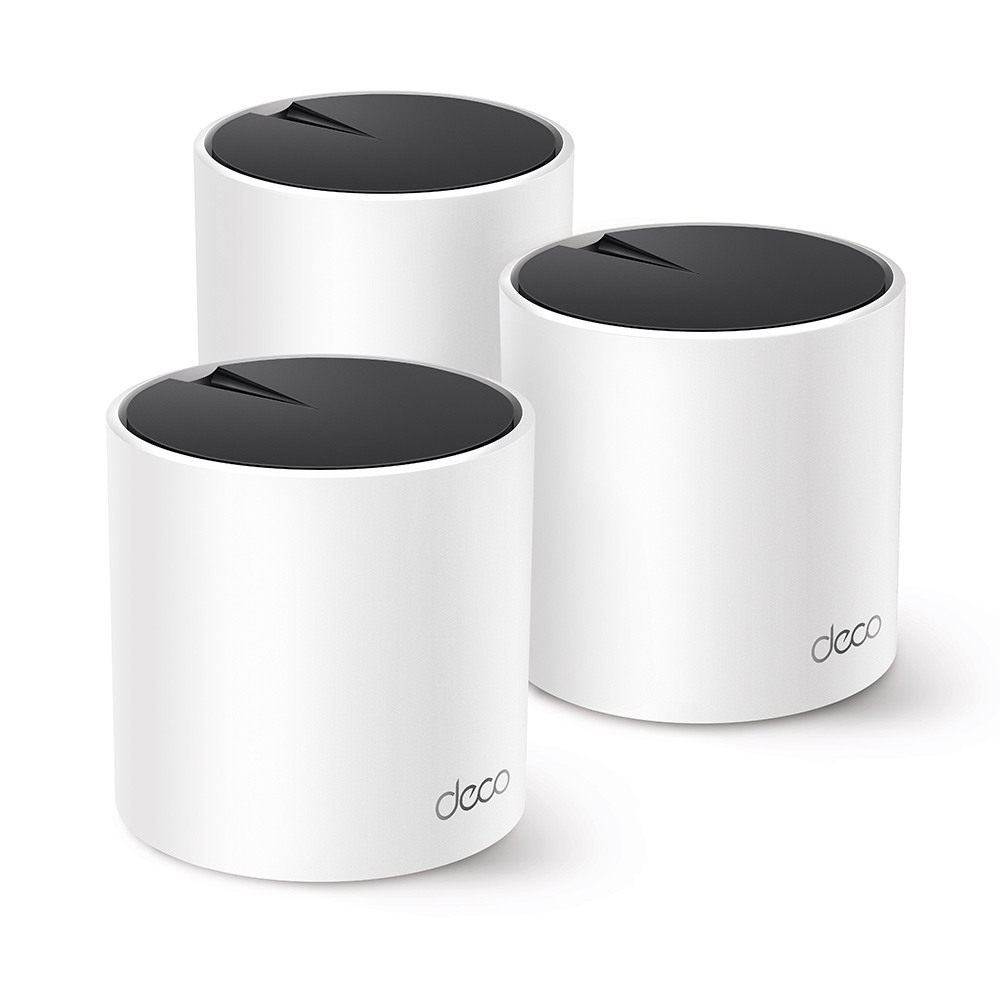
For several rooms: TP-Link Deco X55
The Deco X55 three-pack suits a home that needs several coordinated Wi-Fi locations. Each unit has three Gigabit ports, and TP-Link supports Ethernet backhaul. Use the cable where you have it and wireless connections where running cable is impractical.
You do not need three new units to fix every weak room. If you already own Deco, check whether one compatible add-on node will cover the gap before replacing the system.
Keep the router and mesh wiring straight
TP-Link's Deco wiring guide allows mixed wired and wireless backhaul. In router mode, the satellite units belong downstream of the main Deco; access-point mode has different supported layouts. Choose the mode that fits the router you intend to keep, then follow its wiring diagram.
An access-point system still needs a router or gateway. Ubiquiti's standalone guide is another example of why standalone and centrally managed installations offer different features.
Match the system before adding a node
A matching brand name is not enough. TP-Link's ecosystem guide distinguishes Deco, OneMesh, EasyMesh and Omada. An EAP610 and a Deco X55 do not become one coordinated mesh just because both are TP-Link products.
For one weak area, the mesh versus extender comparison helps you decide whether to expand or replace. If you need faster wired connections, compare Gigabit and 2.5GbE switches before paying for a faster wireless specification.