
Choose the camera count before the camera
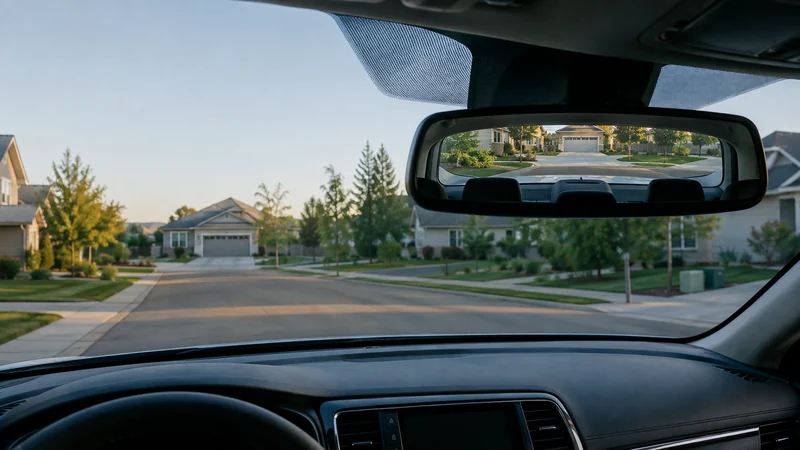
The search for the best dash cam often starts with 4K, brand, or price. The decision should start one step earlier: which views must be recorded, what has to happen while the car is parked, and how much hardware can fit safely around the windshield, mirror, sensors, airbags, trim, and power route?
A front-only camera is smaller and simpler. Front-and-rear coverage adds cable work and a second mounting position. Cabin coverage matters for rideshare or a specific interior-recording need. Cloud access, long parking sessions, and live alerts add power, connectivity, subscription, and privacy questions that a basic camera does not solve.
The current research separates three exact starting points:
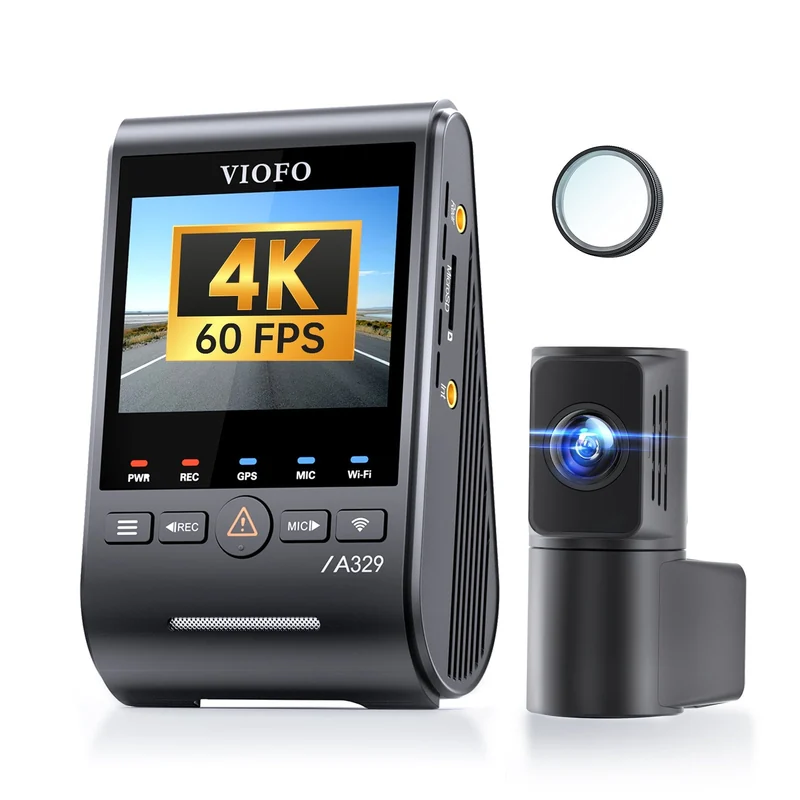
- VIOFO A329S 2CH : higher-end front-and-rear lead when local recording quality matters more than cloud access.
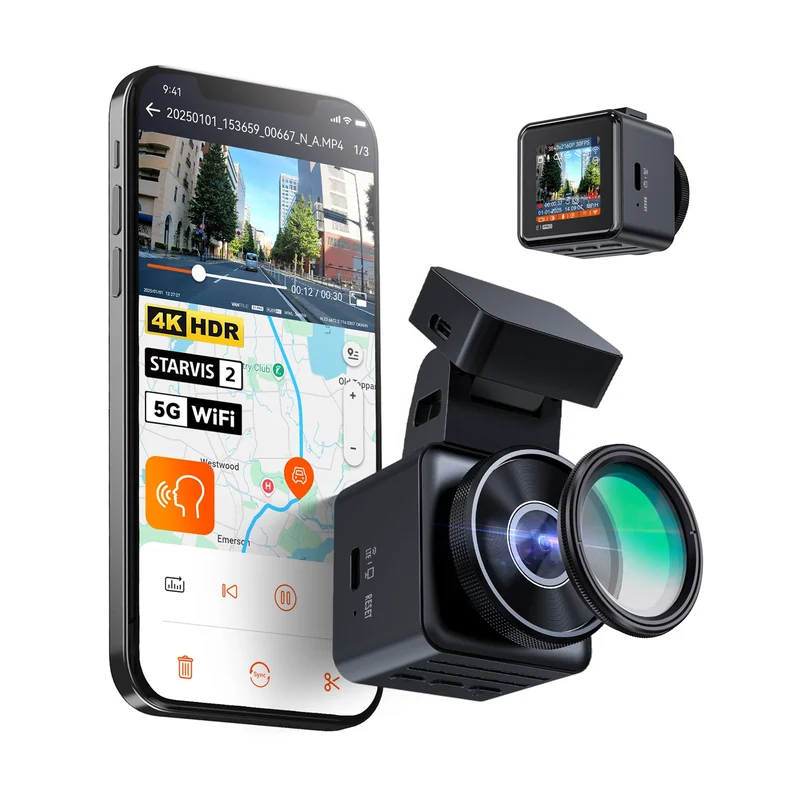
- Vantrue E1 Pro : compact front-only option for a smaller windshield footprint.
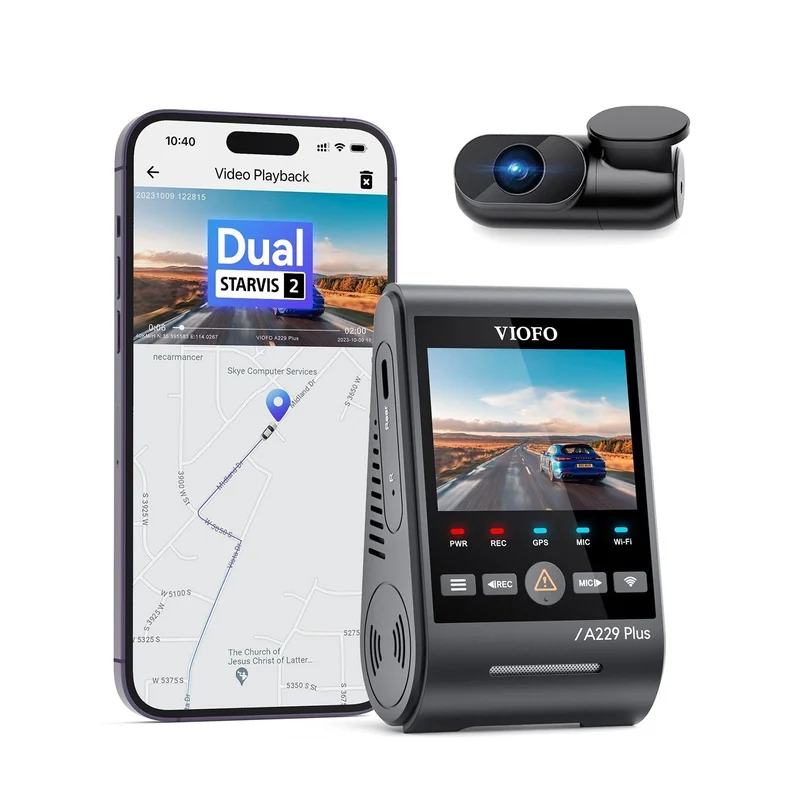
- VIOFO A229 Plus 2CH : simpler front-and-rear option when the A329S feature option is unnecessary.
Match the camera to the recording job
This is a routing table, not a first-to-third ranking. Current publishers used different cameras and methods, so their winners cannot be added together as if they were votes from one shared test.
Higher-end front-and-rear research lead: VIOFO A329S 2CH
Car and Driver and Vortex Radar independently select the A329S as their current all-around lead after hands-on work. That agreement supports the exact A329S 2CH as the strongest high-end front-and-rear research lead in this panel.
The agreement does not erase the catches. Car and Driver reports that the display can be difficult to see on some steep windshields. Vortex Radar reports no cloud support, a difficult microSD-card slot, and voice control that can miss commands when music is playing. The 2CH identity also matters: A329S front-only, interior, three-channel, telephoto, and waterproof-rear configurations should not inherit one another's camera count, included parts, or performance claims.
Compact front-only research option: Vantrue E1 Pro
Car and Driver places the exact Vantrue E1 Pro in its compact lower-cost 4K option. Tom's Guide independently keeps the same model in its affordable 4K lineup after setup, day/night driving, software, and footage-retrieval review.
Its small footprint is the useful role. It is not a front-and-rear substitute. Car and Driver also calls out the tiny screen and buttons, so the compact body creates an interaction tradeoff. Any parking claim must stay tied to the exact mode and exact power accessory rather than the model name alone.
Front-and-rear baseline option: VIOFO A229 Plus 2CH
Vortex Radar selects the exact A229 Plus 2CH for a more accessible front-and-rear setup. The current VIOFO identity record confirms that the 2CH configuration is distinct from 1CH, 3CH, Pro, Ultra, and waterproof-rear variants.
Confidence is lower than for the repeated A329S and E1 Pro roles because only one qualified test source in this panel supports this exact placement. Vortex also reports no cloud support, no newer low-power parked-recording mode, and a drop in front-camera quality as additional cameras are used. The A229 Plus is a bounded front/rear option, not a cross-source winner.
Why current best-dash-cam lists disagree
| Source | What its method emphasizes | Current lead | Why the result does not transfer automatically |
|---|---|---|---|
| Car and Driver | Resolution-chart and license-detail comparisons, sample footage, setup, display, and daily use | VIOFO A329S | Its pool and scoring do not duplicate the other sources |
| Vortex Radar | Real-world footage, parking modes, long-term reliability, camera configurations, and specialist features | VIOFO A329S | Its specialist priorities give parking and configuration depth more weight |
| MotorTrend | Nine cameras, fixed day/night plate-distance checks, timed setup, distraction, and app workflow | Garmin X310 | A range-and-setup method and a different pool produce a different lead |
| Tom's Guide | Setup, day/night driving, software, footage retrieval, subscriptions, and daily-use features | Nextbase iQ | It rewards a connected feature system that does not solve the same job as a simpler recorder |
The useful consensus is not a brand. It is a set of questions: which views are needed, what detail survives motion and low light, whether the camera fits the windshield, how footage is retrieved, and what parking or cloud workflow the driver is willing to maintain.
Run a paper-template and cable-route check first
Before choosing an exact camera, make paper templates for the front and rear units using the published product dimensions.
- Sit in the normal driving position and place the front template behind or near the mirror without blocking a meaningful view.
- Keep clear of factory sensors, camera housings, defroster elements, moving mirror hardware, airbag paths, and required windshield areas.
- Trace the front power route and, if needed, the rear-camera cable with painter's tape. Do not leave a loose cable near pedals, steering, airbags, seats, doors, or moving trim.
- Check the rear mounting surface and hatch or trunk movement before assuming a standard cable length and adhesive position will work.
- Decide where recordings will be reviewed and saved. A camera that records useful footage but makes retrieval too difficult may fail the real job.
- Check the current manual and local mounting/audio rules before installation.
If the coverage plan cannot be mounted and routed cleanly, choose another plan before choosing another brand.
What to compare beyond 4K
Moving and nighttime detail
Resolution alone does not control motion blur, glare, exposure, noise, or plate legibility. Compare sample footage and disclosed tests in the conditions that matter, not only a stationary daytime frame.
Windshield footprint and driver attention
Screens, buttons, mounts, dangling cable, voice prompts, and driver-assistance alerts can add friction or distraction. The best placement is one that records the needed view without becoming something the driver must operate in motion.
File retrieval and storage
Check how emergency clips are locked, how quickly a phone app connects, whether the card can be removed without disturbing the mount, and how many days of the chosen camera count and resolution fit on the supported storage.
Parking power
Parking recording may require an exact hardwire kit or battery pack. Verify compatibility, voltage protection, mode behavior, climate limits, and expected recording time. Do not assume a feature name means continuous coverage in every vehicle.
Subscriptions and service dependence
Cloud viewing, alerts, and advanced connected features may depend on a paid plan, cellular connection, or continuing service. Compare the system you would actually maintain, not the longest feature list.
Common dash-cam questions
Do I need a front-and-rear dash cam?
A rear camera adds evidence behind the vehicle, but it also adds hardware, cable routing, installation time, files, and another view to verify. Choose it when rear events are part of the problem you want to record and the route can be installed safely in the actual vehicle.
Is a 4K dash cam always better?
No. 4K is a resolution label, not a complete result. Motion, sensor and lens quality, processing, exposure, glare, frame rate, heat, compression, and test conditions all affect the detail that survives in a useful clip.
Does parking mode work when the car is off?
Only when the exact system has a compatible engine-off power setup and the selected mode is configured correctly. A hardwire kit or dedicated battery may be required. Verify voltage protection and vehicle compatibility before use.
Choose the complete parking setup
Check power after shutdown, the way the camera enters parking mode, cutoff behavior and saved-clip playback together. The parking-power comparison separates socket adapters, supported hardwire kits, OBD cables and dedicated battery arrangements. It also explains why the E1 Pro manual and product page need to be read together and why HK4 hardware cutoff differs from A329S menu features.
Continue with your setup
- Best Portable Jump Starter? Match the Unit to the Vehicle—not the Biggest Peak-Amps Number
- How to spot fake review warning signs without guessing
Choose the recording card as carefully as the camera. The dash-cam memory-card guide covers supported card families, capacity limits and the difference between recording endurance and the footage you can retain.