
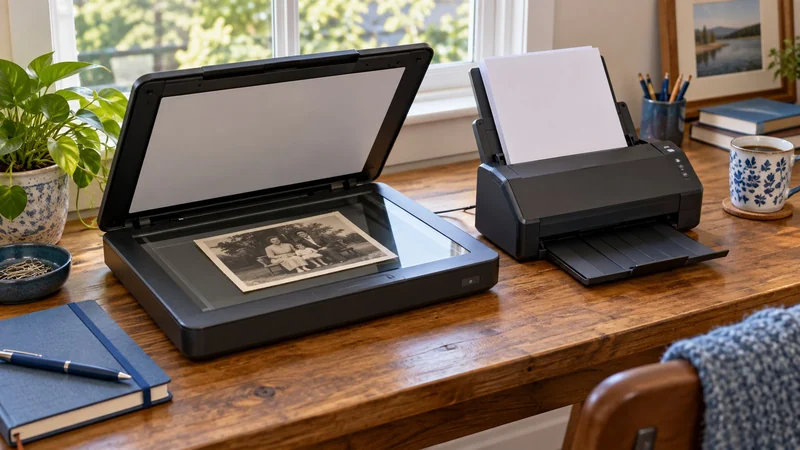
Which pile are you actually trying to clear?
A box of family photographs and a stack of two-sided statements need different handling. A flatbed lets the original rest on glass. A sheet-fed scanner pulls suitable loose pages through its scanning path. That difference decides which jobs become easier and which still need your attention.
Start by separating loose documents from photos, bound pages and fragile originals. If paperwork is most of the pile, a feeder can remove repeated page placement. If the special originals are the reason for buying, give them priority. You can always process occasional documents individually.
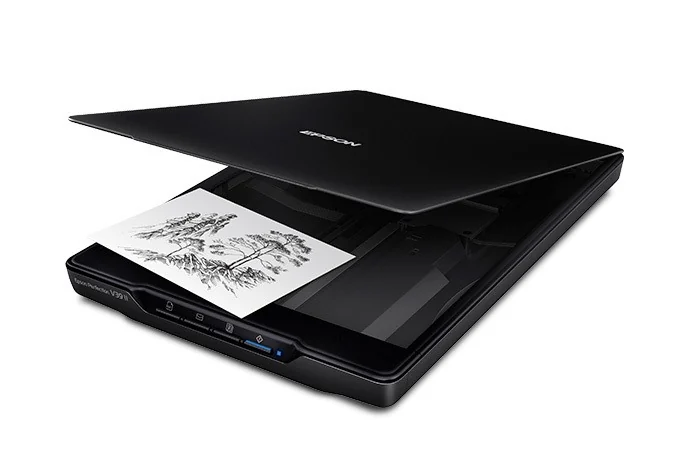
For photos and bound pages: Epson Perfection V39 II
The Epson Perfection V39 II offers a flat scanning surface and a high-rise, removable lid. Those features make room for books and other bulky originals without asking you to separate their pages. Check the item's condition and avoid forcing a binding flat.
Epson lists up to 4,800 dpi optical resolution in its V39 II specifications. That can be useful when you need image detail for enlargement. It is not a reason to scan every ordinary statement at the maximum setting. Larger files take more storage and can add work to a simple document routine.
The catch: you place and turn originals yourself. A flatbed is a good fit when that handling protects the material or suits a small batch; it will not feed a stack automatically.
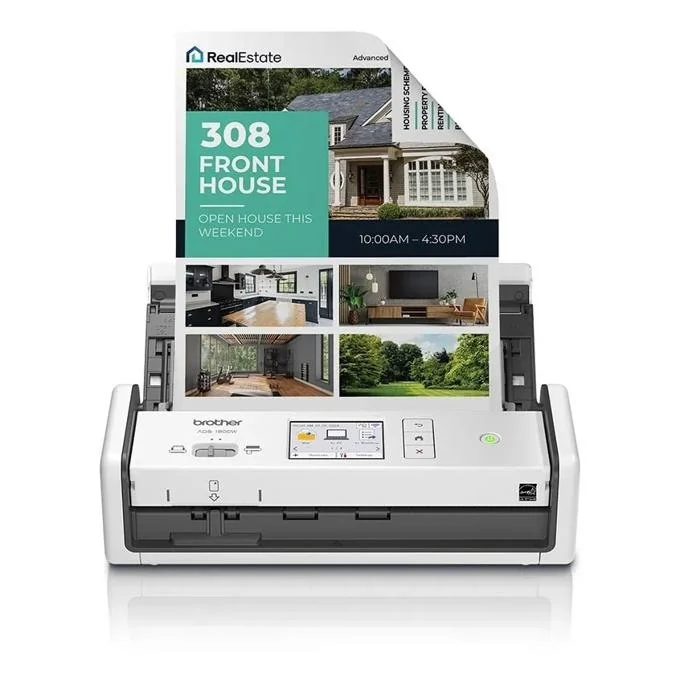
For loose paper batches: Brother ADS-1800W
The Brother ADS-1800W combines a 20-sheet feeder, automatic duplex scanning and a touchscreen for repeated tasks. For a pile of suitable two-sided paperwork, capturing both sides without turning each page is the practical upgrade.
Brother's product details list up to 30 pages per minute and up to 600 × 600 dpi optical resolution. Treat those as manufacturer specifications, not a measured filing speed. Preparing papers, checking the scan and naming the file are still part of the job.
The catch: a feeder is not the route for every original. Check supported media and any carrier-sheet instructions before feeding delicate photographs, damaged paper or unusual materials. Do not assume a document feeder is a dedicated photo scanner.
Make the rest of the workflow fit
If most originals are already loose documents, use the paper-load guide to decide whether a small feeder or a larger one suits the batch. The document-scanner shortlist then compares other connection and workflow choices.
Try a representative document through the intended software before committing a whole archive. Can you read small print, find the file and search the text you need? Optical resolution alone does not answer those questions. Decide where scans will live, then build a backup routine for files you cannot replace.