
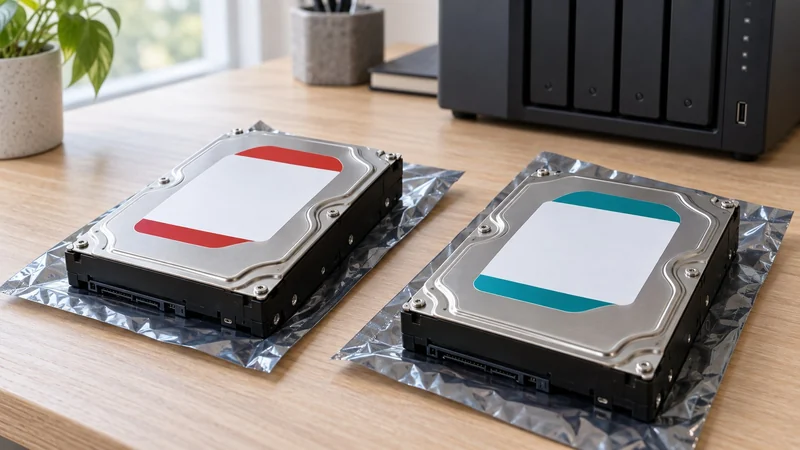
Match the drive to the way it will run
A NAS drive is the stronger starting point for a compatible enclosure that stays on and serves repeated shared-storage jobs. A desktop drive can suit local PC storage. The useful distinction is the exact model’s design and workload rating, not a blanket claim that one brand lasts longer.
Two 4 TB drives can look similar in a store filter while serving different jobs. The model-level example below shows what to check before paying for a diskless NAS and filling it with drives.
What changes between these two 4 TB models
Seagate’s current US data sheets identify these differences. These are manufacturer design ratings, not Digital Derek endurance or speed tests.
| Documented feature | IronWolf ST4000VN006 | BarraCuda ST4000DM004 |
|---|---|---|
| Recording technology | CMR | SMR |
| Annual workload rating | 180 TB/year | 55 TB/year |
| Power-on hours per year | 8,760 | 2,400 |
| SATA interface | 6 Gb/s | 6 Gb/s |
Sources: IronWolf data sheet, BarraCuda data sheet.
The matching interface does not make the drives equivalent for continuous shared storage. Nor does the higher workload rating predict how long your individual drive will last.
Why an exact model check is worth doing
For this comparison, the 4 TB IronWolf’s CMR recording and continuous-use rating fit the NAS role more directly. The BarraCuda example has a different operating profile. It may still be useful for an appropriate desktop job; it is not the substitute to choose solely because the capacity and connector match.
Do not extend that conclusion to every BarraCuda. The same current family data sheet includes other capacities with CMR. A broad rule such as “all desktop drives are SMR” would lead readers to the wrong purchase.
When a retailer groups multiple model suffixes, capacities or generations under one listing, confirm the model being supplied. The specification you need should belong to that model, rather than a nearby variant or an old review.
Check the enclosure as well as the drive
Synology’s compatibility policy depends on the storage system and software version. DSM 7.3 expanded third-party HDD support for the 2025 DiskStation Plus series, so check the compatibility list for your enclosure, drive model and DSM version.
Use the exact NAS model, DSM version and drive model when checking the current list. Keep M.2 cache or storage-pool rules separate from SATA HDD rules. If you have not chosen an enclosure, two-bay versus four-bay NAS shows how capacity growth changes the hardware budget.
A useful shopping checklist
Before buying, have the drive’s full model number, capacity, recording type, workload rating and enclosure compatibility in one place. Match replacement-drive size to the storage pool’s expansion rules. Confirm the warranty and seller for the offer you choose rather than assuming every listing has the same coverage.
A suitable NAS drive makes the intended storage job easier to support. It still needs an independent backup: an accidentally deleted file can disappear from a redundant array too. The NAS versus external drive comparison helps separate shared storage from the additional copy that protects it.