
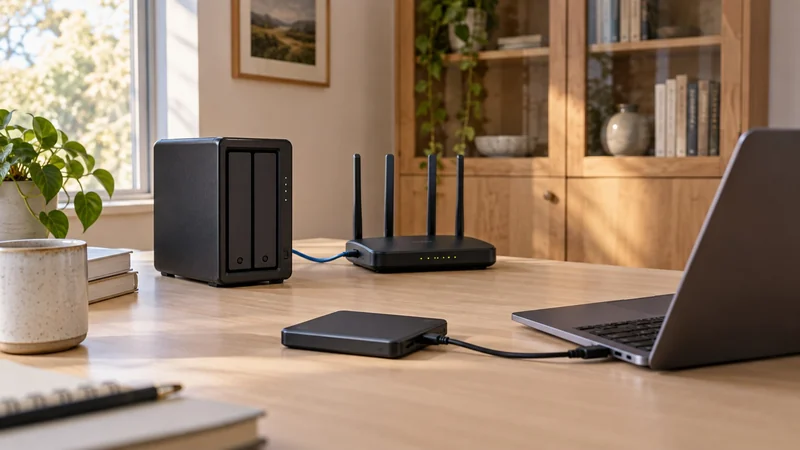
Sharing is the reason to consider a NAS
If one laptop needs a scheduled backup, an external drive can be a straightforward fit. If several computers and phones need a shared home for files, moving a USB drive between them soon becomes a different kind of work.
A NAS connects storage to the network and adds management software. That can support shared folders and device backups, but it also introduces accounts, updates, drive choices and a recovery plan. Buy for a routine you want to maintain, not because a network box looks more professional.
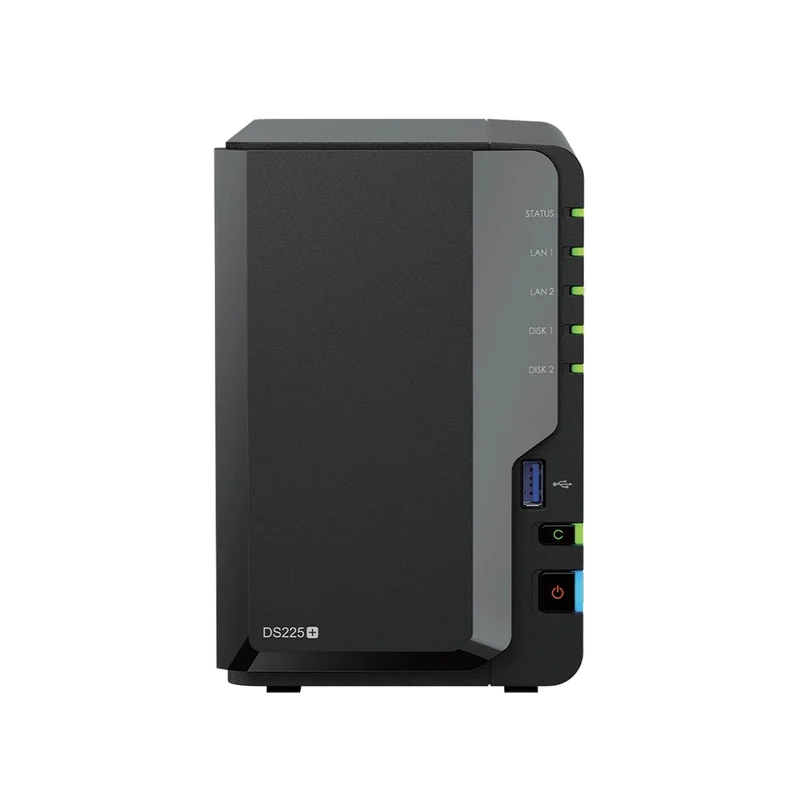
For shared storage: Synology DiskStation DS225+
The Synology DS225+ diskless enclosure has two SATA drive bays and separate 2.5GbE and Gigabit network ports. Synology's specifications describe file-sharing and backup packages within DSM. Those capabilities make it a useful candidate when several devices need a common destination.
The catch: diskless means the storage drives are separate purchases. Choose the exact drives against Synology's current compatibility list, then calculate usable capacity for the configuration. Two drives set up as a mirror do not provide the sum of both drives as usable file space.
Avoid relying on older blanket advice that every 2025 Plus model requires only Synology-branded hard drives. The manufacturer's DSM 7.3 announcement expanded installation and storage-pool support for third-party drives. Support and validation still depend on the current policy and exact drive; the change is not a promise that every drive is suitable.
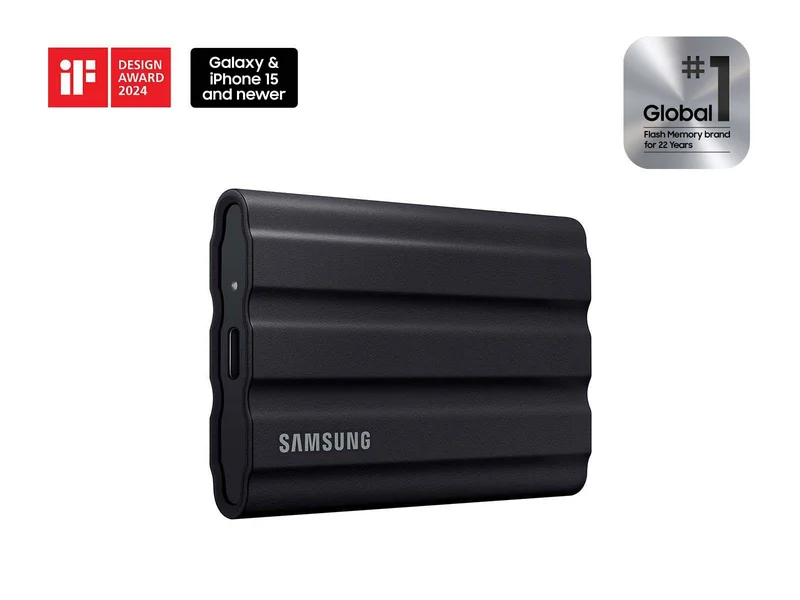
For a direct connection: Samsung T7 Shield 2TB
The Samsung T7 Shield 2TB is an external SSD example for one computer's file transfers and backups. Its data sheet specifies USB 3.2 Gen 2 and a compact, bus-powered design. Connect it directly or through a suitable port; a NAS enclosure is not required.
The catch: the drive is a destination, not a backup schedule. Choose software and a routine that keep another copy of the files you need. If lower purchase cost per capacity matters more than frequent transfers, compare current HDD offers using the SSD versus external HDD guide. An external drive can be either type.
Give the NAS its own backup
A drive mirror can help the NAS keep working after certain disk failures. It does not create an independent copy safe from everything that affects the box. If the only copy of a photo has moved onto the NAS, it needs a second destination.
Seagate explains the distinction between storage and another copy. Synology also documents backup destinations including external drives and cloud storage. Choose what you can restore after accidental deletion or loss of the main device, and test a few restored files before trusting the routine.
Compare the complete setup
For the NAS route, count the enclosure, suitable drives, an independent backup destination and any required network equipment. For the external route, count the drive, a compatible connection and the backup software you will use. Port speed labels are not a promise of real file-transfer speed.
A UPS can address power interruptions; it does not replace another copy of your files. Buy shared storage when sharing saves repeated work. Keep the simpler direct-drive route when it comfortably meets the job.
Build the NAS around capacity and growth
For a shared library, two-bay versus four-bay NAS explains the difference between buying room to expand and buying usable capacity now. Check the exact internal drive model and workload before filling a diskless enclosure. If large transfers are the concern, map the computer-to-NAS network path separately from the internet connection.