
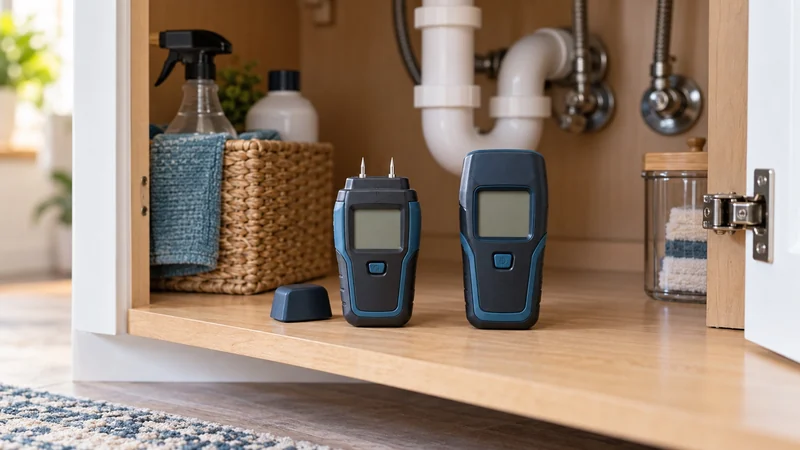
Choose the surface you need to check
A finished cabinet side and a spare piece of lumber call for different compromises. Pinless scanning is useful when you want to leave the finish intact. Pins make sense when you can accept tiny holes and want to check a specific spot.
For a musty cabinet, start with the under-sink moisture guide to look for the source of the problem. A meter can help compare readings; buying one does not replace fixing an active leak.
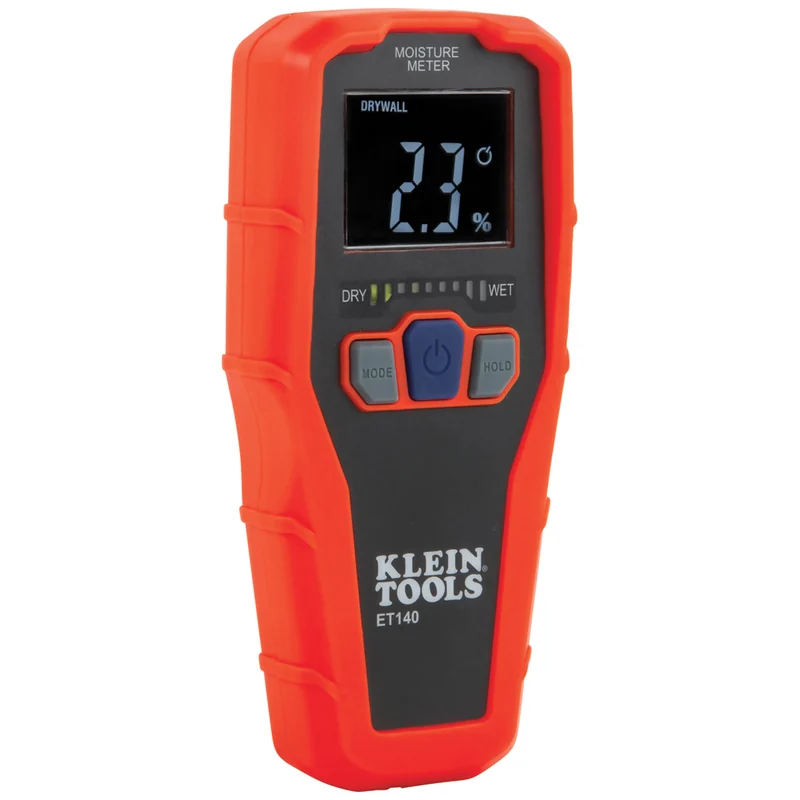
Scan without pinholes: Klein ET140
The Klein ET140 suits a homeowner comparing several accessible patches of drywall, masonry or supported wood. Pressing its rear sensor against a flat surface lets you move between locations without puncturing each one. Klein provides separate drywall, masonry, hardwood and softwood modes.
The useful detail is in the ET140 manual: its reading is an average relative indication, and moisture nearer the surface influences the result more than moisture at the maximum sensing depth. “Up to 3/4 inch” is a sensing limit, not a sharp view through the wall.
The catch: thin materials can let what sits behind them affect the reading. Klein recommends a flat contact area and explains that material thinner than 3/4 inch may return information from the layer behind it. That matters on a thin cabinet back. Use readings from comparable places on the same material and mode, rather than treating one high reading as a diagnosis.
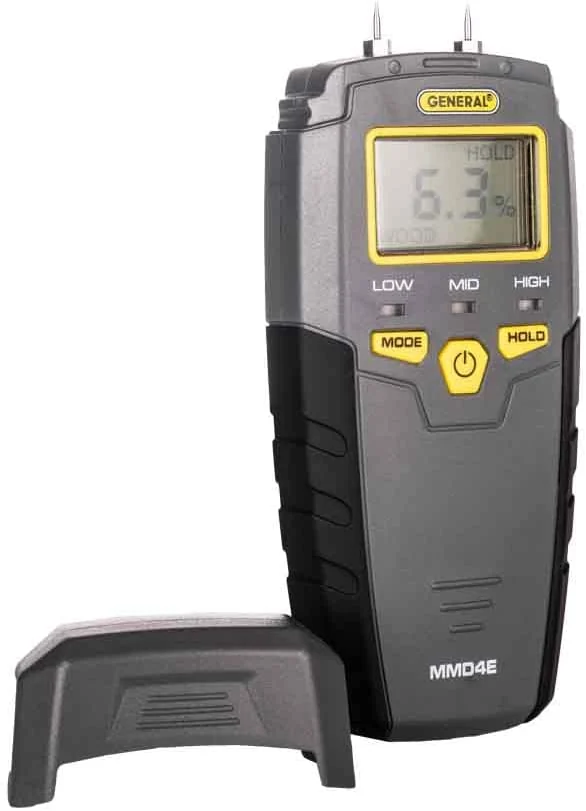
Check a small contact area: General Tools MMD4E
The General Tools MMD4E is useful when the pins can reach the material and small marks are acceptable. Its hold function lets you take a reading in an awkward spot and read the display in better light. Check the current MMD4E product information and the supplied instructions for calibration details.
General lists separate wood and building-material modes, with 8 mm pins. Those pins measure through a different contact method from the Klein's sensing plate. Compare each meter's specified sensing depth and material settings separately; pin length and pinless sensing depth describe different measurements.
The catch: the meter leaves pinholes, and its scales are not interchangeable with the Klein's. General lists a wood moisture equivalent range of 5–50%; Klein lists separate hardwood and softwood ranges and relative drywall/masonry readings. Comparing their displayed numbers side by side would not be a valid accuracy test.
A percent sign does not make two readings comparable
Choose the scale for the material before interpreting the number. Neither a room-humidity percentage nor another meter's drywall scale is a substitute for the instructions supplied with your model. A lower reading from a second device does not, by itself, disprove the first device.
For a repeat check, keep the material, mode and contact location consistent. Record the location and date alongside the reading. That makes a change easier to interpret without turning an undocumented threshold into a repair decision.
Buy for the check you will actually use
Choose the ET140 when preserving the surface and scanning several areas matter most. Choose the MMD4E when a contact check is practical and you can accept pin marks. There is little reason to buy both before knowing which job is missing from your current process.
Follow each tool's safety instructions and avoid areas with potentially energized conductors; a moisture meter is not a wiring detector. If your goal is notification when new water reaches the floor, a leak sensor or automatic shutoff addresses a different need.
Visible mold, ongoing leakage or damaged material needs attention to its cause. The EPA's moisture guidance makes that distinction clear: controlling moisture is central to preventing recurrence. Use the meter to help track the affected material as you address the moisture source.