
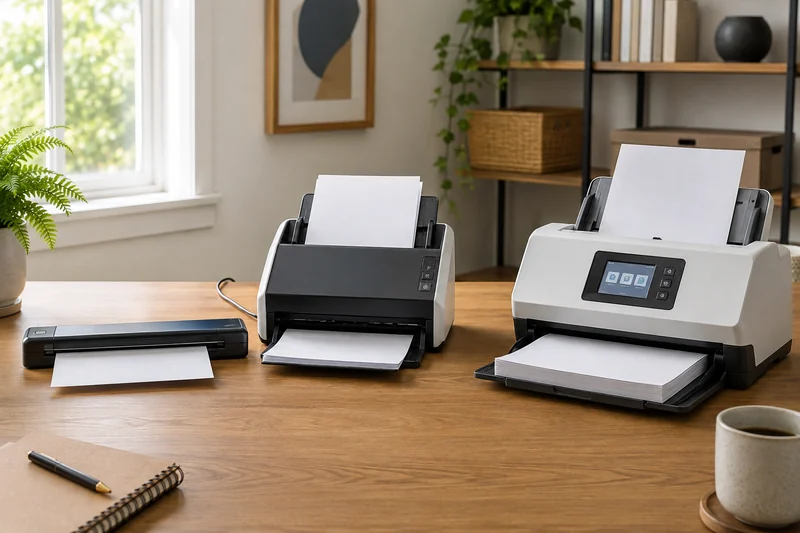
Start with the weekly stack
The best fit depends on what happens after you load the paper. Pick the workflow you repeat:
| Your paperwork | Start with | The detail that decides the fit |
|---|---|---|
| Occasional sheets beside a laptop | Brother DS-640 | You feed and turn pages by hand; portability matters more than batch speed |
| Regular two-sided stacks on one computer | Epson ES-400 II | Automatic duplex feeding and a TWAIN-compatible computer workflow |
| Shared household paperwork or repeated destinations | ScanSnap iX1600 | Wi-Fi and profiles are useful; an app that requires TWAIN needs another route |
For a few occasional pages, a phone may already cover the job. For books or delicate originals, compare flatbed and sheet-fed scanners before paying for a bigger feeder. The paper-load guide helps separate those jobs.
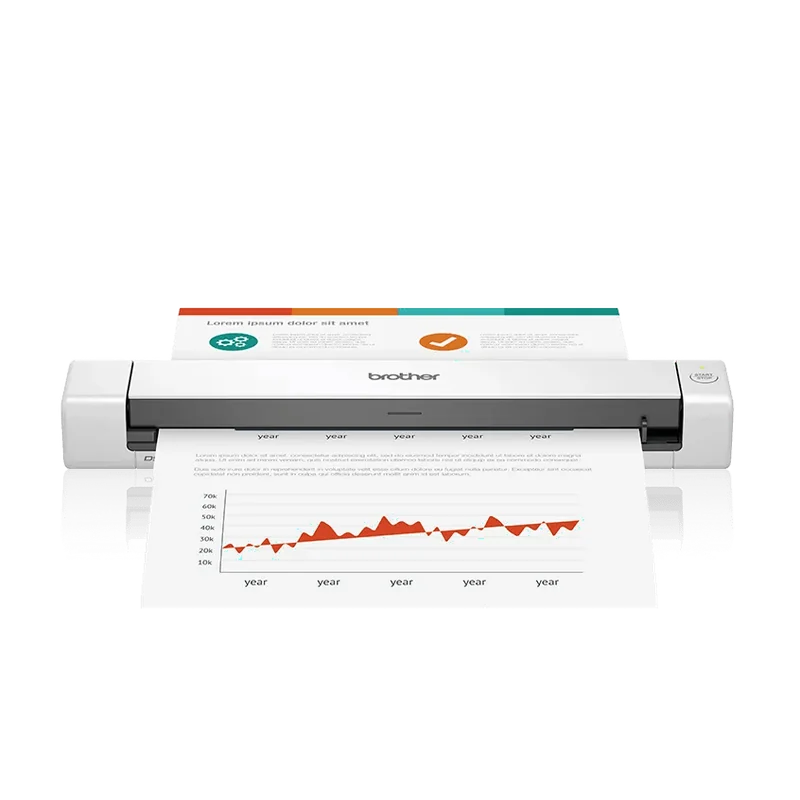
Occasional sheets: Brother DS-640
Brother’s DS-640 brochure specifies a one-sheet input, USB power, optical resolution up to 600 by 600 dpi, and scan speeds up to 16 pages per minute for the DS-640. It is a compact answer for light documents and receipts when a feeder would consume more space than the job deserves.
TechGearLab found the exact scanner capable of searchable PDFs and useful OCR, but its manual single-sided feed made repeated duplex work slow. In the panel's ten-page double-sided test, the process took more than seven minutes.
The DS-640 suits small stacks and light travel. For regular two-sided paperwork, an automatic feeder saves repeated manual feeding and turning.
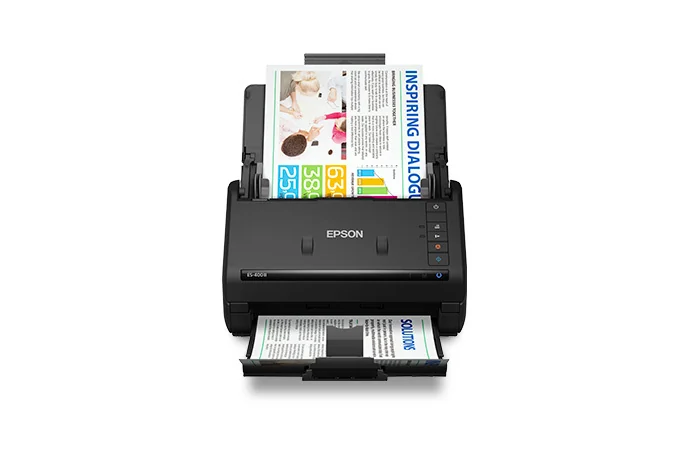
Routine paperwork: Epson WorkForce ES-400 II
Epson identifies model B11B261201 with a 50-sheet automatic document feeder, duplex capture, stated speeds up to 35 ppm or 70 images per minute under its test conditions, OCR and searchable PDF tools, TWAIN support, and USB connectivity.
TechGearLab's exact-model review supports the fast home-office role while calling out weak photo quality. That makes it a document workflow tool, not a photo archive scanner. The lack of built-in Wi-Fi can be an advantage when a simple direct computer connection is preferred, or a limitation when several people need independent access.
Choose it for prepared stacks that return to the same computer workflow.
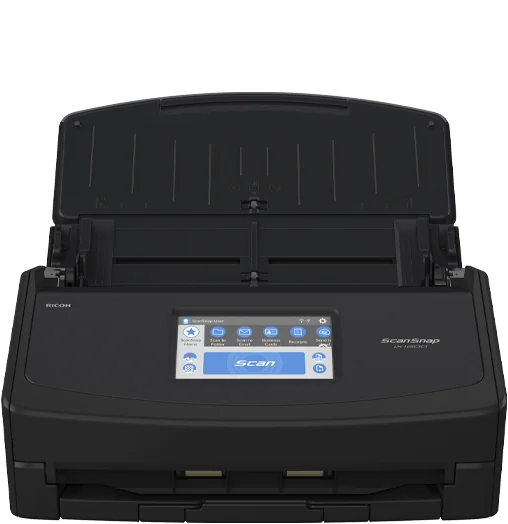
Shared scanning: Ricoh ScanSnap iX1600
Compare generations before buying. Ricoh now directs iX1600 shoppers to the iX2500. Its current comparison lists a 100-sheet feeder and 45 ppm for the iX2500, versus 50 sheets and 40 ppm for the iX1600. Compare the price gap and software fit. The findings below refer specifically to the iX1600.
Ricoh's current iX1600 specifications include a 50-sheet feeder, duplex scanning up to 40 pages per minute, Wi-Fi and USB connections, and a 4.3-inch touchscreen with profiles. That can remove repeated setup for multiple destinations or users.
TechGearLab found the exact model fast and easy for large jobs, but observed imperfect OCR. Ricoh's ScanSnap support FAQ also confirms that its driver does not support TWAIN. Confirm the receiving software before treating the premium workflow as compatible.
The added controls are most useful when you repeatedly switch destinations or share the scanner. For a single saved destination on one computer, a simpler duplex setup may already cover the job.
Run the same five-document test
Use copies or noncritical papers until the feed path is familiar. Scan one clean letter, one double-sided page, one receipt, one lightly wrinkled sheet, and one ten-page batch. Use the destination and file type you will use in real life.
Record total time from loading to correctly filed output, missing or doubled pages, alignment, small-text readability, OCR corrections, filename steps, noise, desk footprint, and the time needed to reset the scanner.
Follow each exact paper, carrier-sheet, cleaning, and maintenance instruction. No short test proves long-term feed reliability or software support.
Choose around the work you repeat
Choose the Brother DS-640 when portability and a tiny footprint matter more than batch efficiency. Choose the Epson ES-400 II for regular duplex stacks and TWAIN-compatible computer workflows. Consider the ScanSnap iX1600 when Wi-Fi, profiles, and repeated high-volume jobs justify its premium—and choose another model when TWAIN is required.
If an existing scanner feeds poorly, use the jam and missed-page diagnostic before replacing it.
Confirm the software handoff
Before choosing between the ES-400 II and iX1600, check whether your destination app must control the scanner or can import a saved PDF. The TWAIN and ScanSnap workflow comparison includes a compatibility worksheet and a sample-file check. That separates a required driver from an optional convenience feature.
Continue with your setup
- Choose a Document Scanner by Paper Load, Not Features
- Why Your Document Scanner Jams or Misses Pages
When a flatbed earns its place
If the job includes books, artwork or delicate originals, a larger paper feeder may not solve it. A flatbed scanner lets the original stay on glass; a removable lid can make room for bulky items. Keep document-batch speed separate from how safely and conveniently the scanner handles your actual originals.