
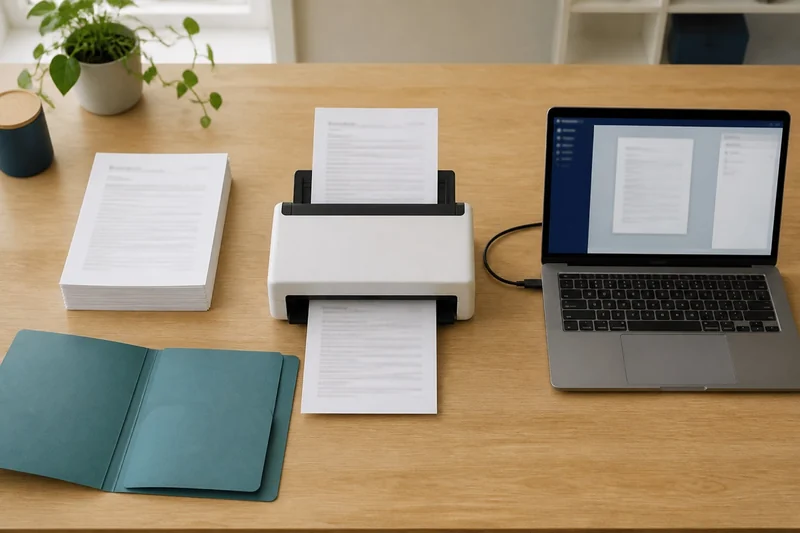
The first question belongs to your software
Open the application where the document ultimately belongs. Does it need to operate the scanner through its own Scan command, or can it import a PDF that another program creates? That distinction should come before feeder speed, Wi-Fi or screen size.
Ricoh confirms that ScanSnap Home and ScanSnap Manager do not provide TWAIN or ISIS support. An iX1600 therefore will not appear as a TWAIN source inside an application that requires one. Opening a saved image in another program is a separate workflow, and that program must support the file.
Compare the two routes
| Model | Scan route | Computer check | Best fit |
|---|---|---|---|
| Epson ES-400 II | Included TWAIN driver; Epson also supplies ScanSmart | Select your exact Windows or macOS version on Epson’s download page. Match the driver to the receiving app. | A document app that needs to start and control the scan. |
| ScanSnap iX1600 | ScanSnap Home; no TWAIN/ISIS | Check the model row and software version in Ricoh’s Windows/macOS support lists. | Repeat filing into folders or applications that accept saved files. |
Epson documents the ES-400 II’s included TWAIN driver. That is a reason to shortlist it, not a guarantee for every application. On a Mac, an ICA/Image Capture download and a TWAIN driver are different interfaces; choose the one your app actually uses.
The deciding check: open your destination app’s supported-scanner list. If it requires TWAIN, choose a supported model there. If it accepts a saved PDF, try a sample import before paying for direct-scanning features.
Where the existing scanner shortlist fits
Once the software route is settled, compare the models, feeder capacity and buying options. The compact Brother DS-640 serves a different feeding job from these desktop scanners; choose it for occasional pages only after checking its own software support.
A compatibility checklist
Keep these details beside your shortlist. Your application’s support page can often supply the answers.
| Record | Your answer should identify |
|---|---|
| Destination app | Product name and version, plus whether Scan or Import is the required command |
| Computer | Operating system and version; any administrator-install requirement |
| Driver requirement | TWAIN, another explicitly supported driver, or no direct-scanning requirement |
| File requirement | Accepted PDF or image type, page order and any size limit |
| Filing step | Folder or record, naming convention and who can access it |
| Approval check | The app vendor's supported-scanner documentation or a verified sample import |
“Supports scanning” is too broad an answer from either vendor. Ask about the exact command and file path you plan to use. A managed office may also restrict software installation or cloud destinations; confirm those before paying for convenience features.
Check the finished document, not just the preview
Use harmless sample pages for the first workflow test. Include a double-sided sheet, a receipt and a document with a distinctive number. Confirm that every side arrives once, in order, in the correct folder or record. If you need searchable text, search for that number and inspect it against the visible page. Check the recognized text as well as whether the PDF opens correctly.
Time the complete task: capture, correct, name and file. If a saved-file route adds only an occasional import, it may be perfectly comfortable. If every document requires repeated attaching and renaming, a supported direct-scanning workflow may be worth prioritizing. That is an assessment of your steps, not a measured speed claim about either scanner.
Choose the software route first, then use the paper-load guide to choose the feeding format. If missing pages are the problem with your current setup, the scanner feed diagnostic addresses that separate issue.