

Choose the route your home can support
If calls work near the router but break up in a back office, the useful upgrade may be a better connection between those two places. MoCA carries that connection over coax; powerline uses electrical wiring. Both can feed a computer directly. For Wi-Fi in the room, you also need a suitable access point or mesh unit.
Connected coax in both rooms? Investigate MoCA first. A pair can give the office a wired route without installing new Ethernet. The important word is connected: two wall plates do not prove the cables meet. Shared building wiring, satellite service and some cable-internet configurations change the answer.
No usable coax? Powerline is worth a room-to-room trial. It uses ordinary wall outlets, but the electrical path and nearby appliances affect performance. Check the retailer's current return terms, then try the actual work you need it to support.
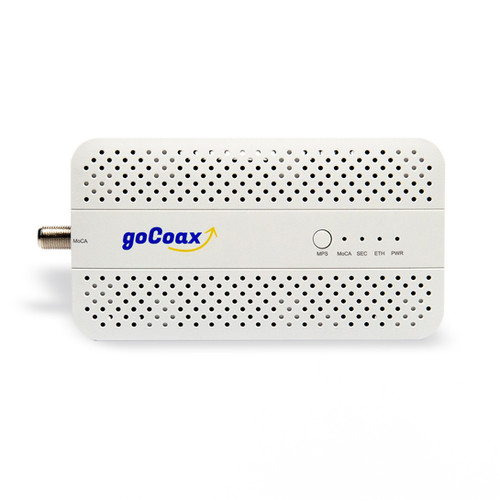
MoCA option: goCoax MA2500D two-pack
The MA2500D two-pack suits a compatible private coax network. Each adapter has one 2.5GbE Ethernet port. The reason to consider it is the existing cable route, especially when a wireless link through walls is unreliable.
The current installation manual describes a pair connecting a router's LAN port to a device in another room. A compatible router with an enabled MoCA LAN bridge can sometimes replace the first adapter; confirm the exact router before buying a single unit. A coax socket on a cable modem is not enough to establish that capability.
The catch: check the internet service sharing the coax before connecting it. The current manual calls for specific guidance with overlapping DOCSIS frequencies or a coax-fed MoCA WAN connection. It also excludes sharing the same coax network with DirecTV or DISH satellite TV. Our MoCA setup guide separates a straightforward private-coax installation from those cases.
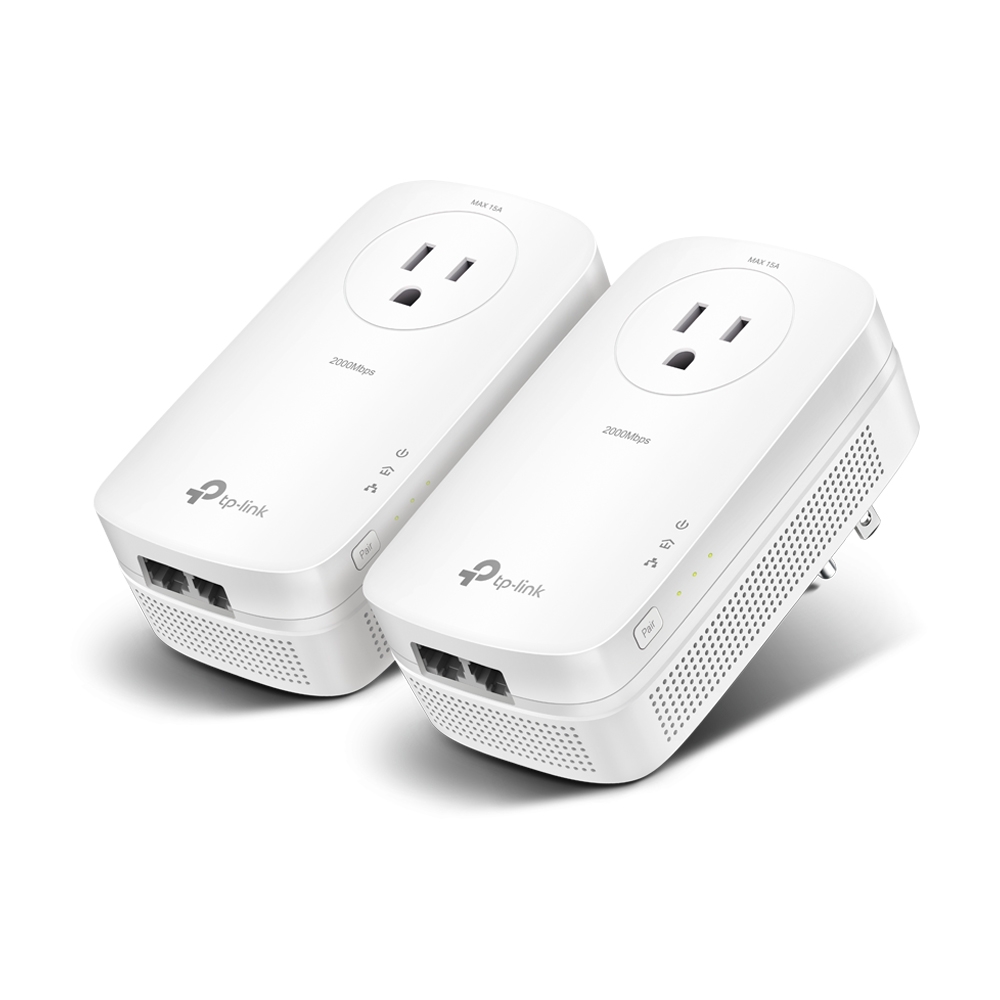
Powerline option: TP-Link TL-PA9020P KIT
The TL-PA9020P KIT includes two US adapters and two Ethernet cables. Each adapter has two Gigabit Ethernet ports and a passthrough power socket. That can suit a desk with two wired devices when a usable coax route is unavailable.
TP-Link's US specifications distinguish the AV2000 signaling label from the Gigabit Ethernet ports. It is not a 2,000 Mbps connection to each computer. The page identifies electrical noise and wiring as factors in actual speed.
The catch: use the adapters directly in wall outlets, following the US installation guide. A power strip or surge protector can interfere with the connection. The manufacturer recommends the same electrical circuit for better performance; crossing circuits is not a guaranteed result.
Compare a complete connection, not one box
For a fresh MoCA link, count two adapters, their power supplies, Ethernet leads and the coax leads needed at both ends. Check the exact package contents before adding accessories. Any splitter, filter or topology change must fit the actual coax and internet service.
The TP-Link kit already supplies the adapter pair and Ethernet leads. It does not supply Wi-Fi at the far end. A compatible access point or mesh unit is another cost only if phones and other wireless devices need coverage there.
Neither speed label establishes a measured winner in your home. A Gigabit router port still limits traffic through that port; a 2.5GbE adapter does not turn a slower internet plan into a faster one. For local NAS transfers, check the entire 2.5GbE path.
Put the connection to work
After installation, repeat the job that was failing: the same call, file transfer or streaming location. For powerline, include a normal busy period with household appliances in use. Keep the result tied to that room and task, rather than treating a link-rate display as delivered speed.
Choose MoCA when the coax and service checks fit. Trial powerline when the electrical route is the practical option. If neither route is suitable, compare mesh and extender coverage or a new Ethernet run before buying more adapters.