
Move the camera, or move inside the frame?
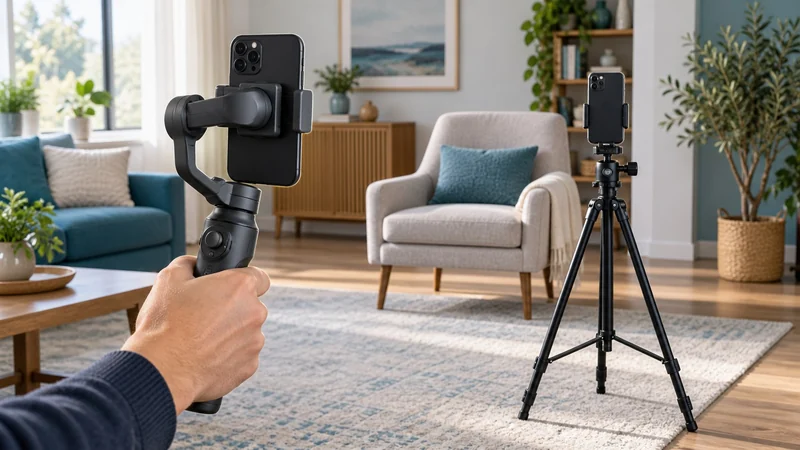
A room walkthrough, a recipe demonstration and a talking-head video ask different things of your phone support. For a walkthrough, you carry the camera. For a recipe, you may move between the counter and stove while the support stays put. For a talking-head clip, keeping the same frame may be all you need.
That middle case is where “gimbal versus tripod” gets interesting. A gimbal with suitable tracking can turn to follow you while standing on a base. A plain tripod holds the angle you set. Decide whether you want to move the camera, follow a person, or hold one composition.
For moving shots: Insta360 Flow 2 Pro
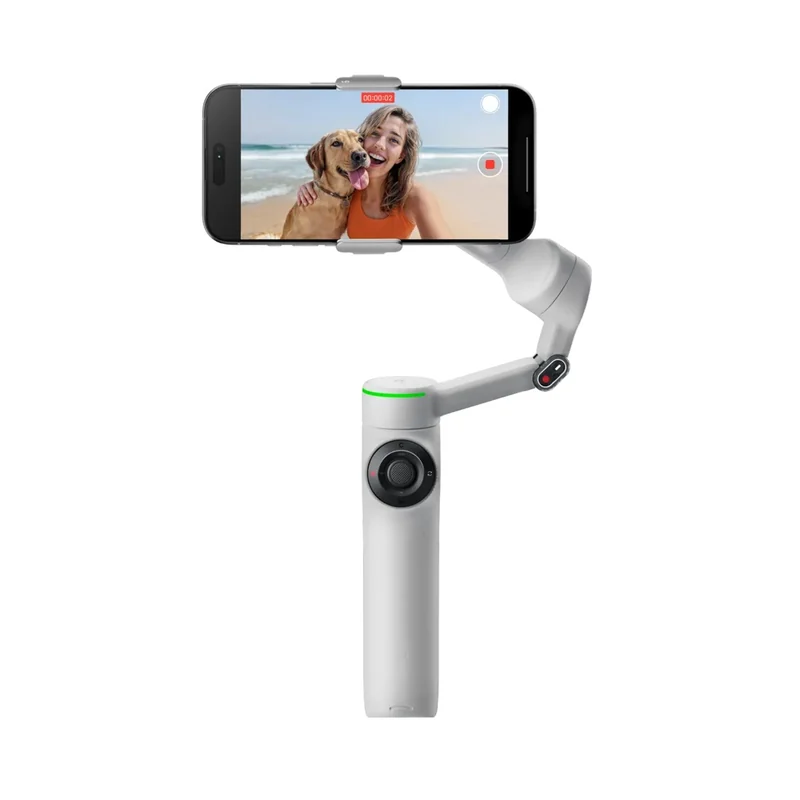
The Insta360 Flow 2 Pro is worth considering when filming movement is part of your routine. It combines a motorized phone support with an extending handle and built-in tripod, so you can switch between carrying it and setting it down on a suitable surface.
Its hardware specifications list a 210 mm extending selfie stick and a 1/4-inch mounting point. The small built-in legs are useful for a tabletop setup; they do not turn it into a tall floor tripod. If you want standing eye-level framing, plan the support height separately.
The catch: phone fit and app support are separate checks. Insta360 specifies a phone width of 64–84 mm, thickness of 6.9–10 mm and weight of 130–300 g. Check your phone with the case or accessories you intend to use against the compatibility guidance.
For a repeatable fixed shot: a manual tripod
A tripod makes sense for demonstrations, desk videos and repeat takes from the same angle. Once the frame works, you can step back into it without holding the phone. If you are still deciding whether adjustable support adds anything, the tripod versus shelf comparison covers that smaller purchase decision.
The Ulanzi MT-44 Upgrade 2502B illustrates this approach: a folding phone holder on a six-section extendable support. Ulanzi lists a full handle length of 146.5 cm. That is not a promise of your phone lens height with the legs spread and head angled.
The catch: this is manual framing, not automatic following. Choose the shooting height that fits your video and leave room for your movement inside the shot. The linked manufacturer model is the 2502B; other MT-44 versions have different descriptions and should be checked separately.
Want it to follow you? Start with the app
The Flow 2 Pro's tracking comparison separates three useful routes. Deep Track 4.0 works inside the Insta360 app. Apple DockKit provides native tracking with a compatible iPhone and supported apps; Insta360 specifies iPhone 12 or newer with iOS 17 or later. A separately sold AI Tracker adds another route for tracking in third-party apps on Android and iOS.
For an Android phone, check the exact app and phone combination before adding accessories. Insta360 also documents Samsung-specific native tracking support, so one blanket Android rule would be misleading.
The practical buying question is simple: will it follow you in the app you actually record with? A supported phone clamp, a stabilization feature and a tracking feature answer different questions.
Make the upgrade earn its place
Try the shot once with your current phone before choosing a support. On supported iPhones, Action mode can improve stabilization; Apple says it works best in bright light. It may already cover an occasional moving clip. A phone setting still cannot hold the device for a hands-free demonstration.
Choose the Flow 2 Pro when moving shots or compatible tracking would make filming easier often enough to justify carrying and charging it. Choose a manual tripod when repeatable framing and hands-free recording are the priorities. For occasional fixed clips, first stabilize the setup you already have.