
Choose the workspace you need
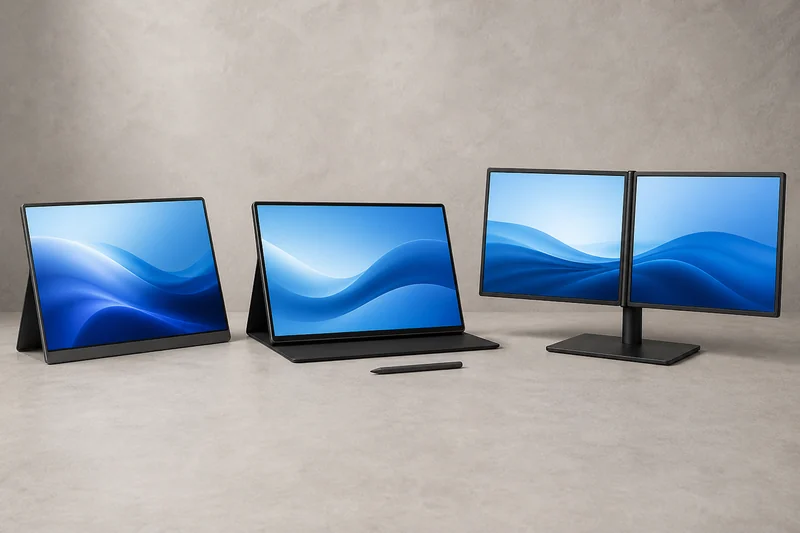
The useful comparison is not cheapest to most expensive. It is one ordinary 1080p screen, one sharper touch screen, and a two-screen workstation. Each asks for a different amount of power, desk space, carrying weight, and setup.
Run the connection and footprint check first. If the laptop's own display or an existing tablet solves the workflow, stop there. Otherwise these exact current models cover three distinct options:
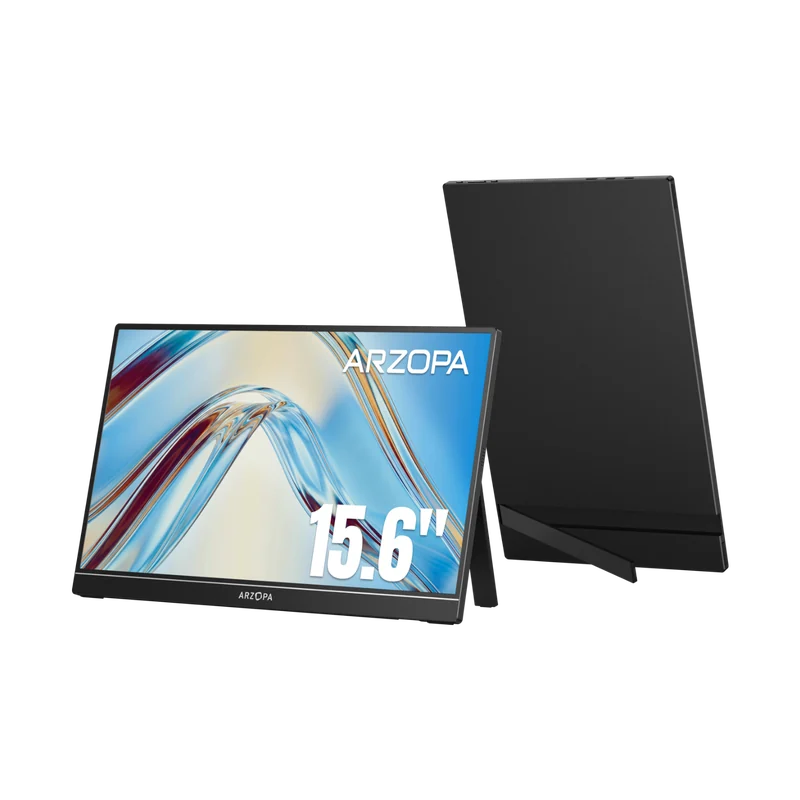
- ARZOPA A1 15.6-inch portable monitor : simple 1080p second-screen option.
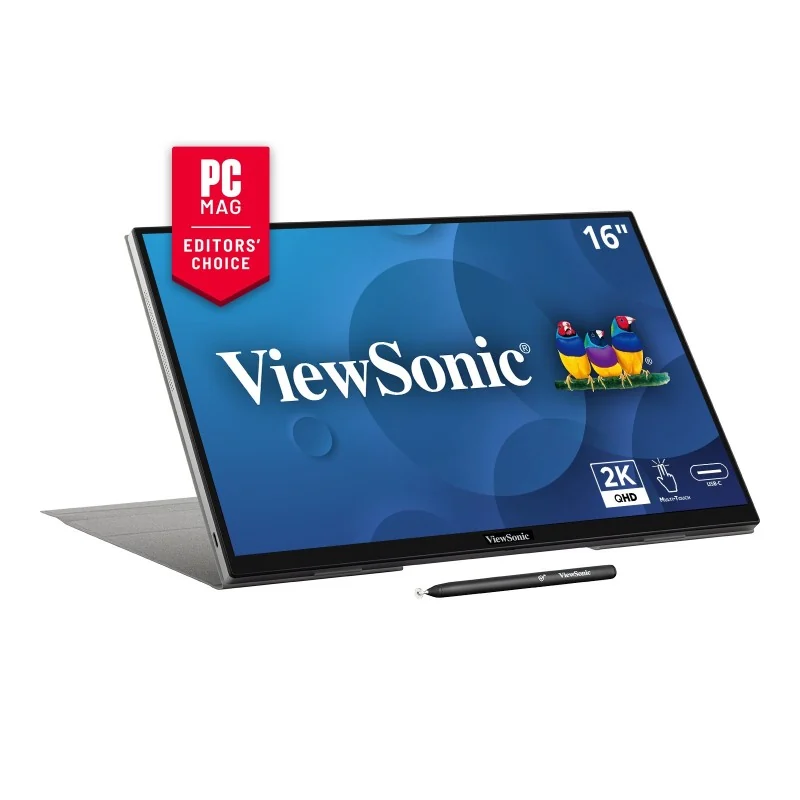
- ViewSonic TD1656-2K portable touch monitor : sharper 16:10 touch option.
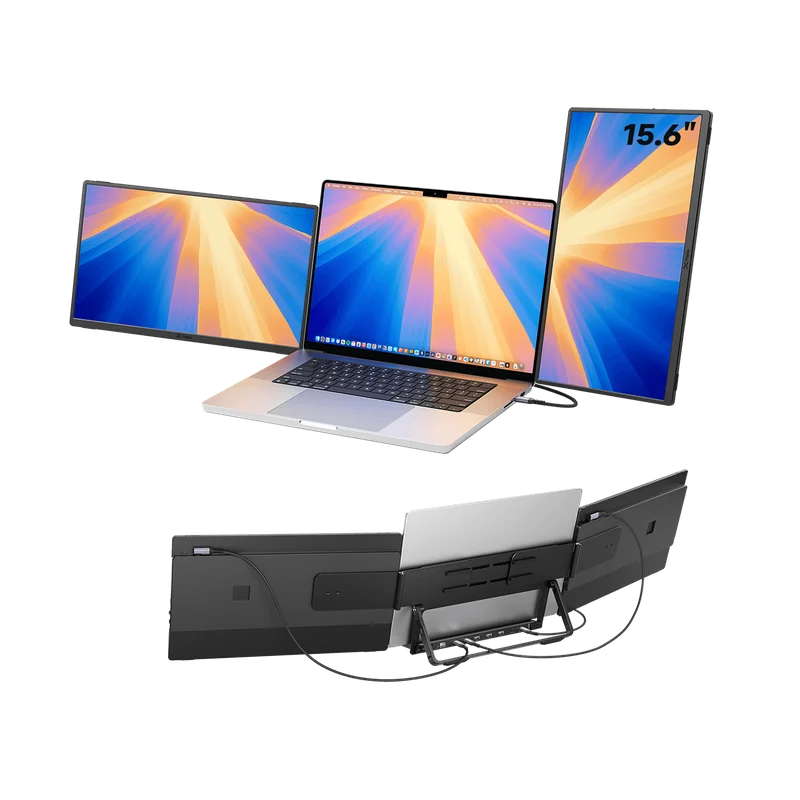
- JSAUX FlipGo Horizon Pro dual monitor : premium two-screen workstation option.
Match the monitor to the setup
This table routes jobs. It does not rank every portable monitor from first to third.
Budget option: ARZOPA A1
ARZOPA specifies a 15.6-inch 1920×1080 IPS display, 60 Hz refresh rate, integrated adjustable stand, two USB-C ports, mini HDMI, and a listed weight of 1.64 pounds. That combination supports both a compatible one-cable USB-C route and an HDMI-plus-power route.
Tom's Hardware tested the exact A1 and found it useful in a budget role, while also measuring 228 nits and noting weaker color and off-angle performance. The tradeoff is clear: it can be a practical document or reference screen without being the strongest choice for bright rooms or color-sensitive work.
Sharp touch option: ViewSonic TD1656-2K
ViewSonic identifies the TD1656-2K as a 16-inch 2560×1600 16:10 IPS touch display with two USB-C ports, a folio stand, and ten-point touch. Tom's Hardware tested the exact model and supports its strong all-around portable role.
The decision-changing limit is connectivity: there is no HDMI input. The laptop must provide a compatible USB-C video path, and touch support depends on the system. ViewSonic says macOS touch uses its vTouch software, so do not treat touch as a universal plug-and-play feature.
Choose it when the sharper, taller workspace and touch input solve real tasks. If the work is mostly email and reference reading, the resolution premium may not remove more friction than a basic panel.
Dual-screen option: JSAUX FlipGo Horizon Pro
The FlipGo Horizon Pro is a different category of setup: two 15.6-inch 1080p screens designed for several arrangements. JSAUX documents the snap-lock system and connection options. Tom's Hardware and Windows Central evaluated the dual-screen format and its productivity-focused layouts.
This is the earned premium option when two added windows stay useful throughout the day—for example, a main laptop task plus a reference view and a persistent communication or monitoring view. It is poor value when one extra panel would do the same work.
Measure the full stand, screen span, cable bends, charger, and packed weight. Confirm that the laptop supports your intended number of displays at the resolution and refresh rate you want.
Choose the screen arrangement you will carry
Start with the job the extra screen will keep open, then match the connection:
| What you want to keep in view | Start with | Complete the setup |
|---|---|---|
| A reference document beside your main task | ARZOPA A1 | Match its USB-C video or mini-HDMI connection and power requirements to your laptop |
| A sharper, taller workspace with touch input | ViewSonic TD1656-2K | Confirm USB-C video and OS touch support; this model has no HDMI input |
| Two additional views you use throughout the day | JSAUX FlipGo Horizon Pro | Check display-count support, the exact bundle, full stand footprint and power setup |
Use the connection, stand and power guide to finish that check. Compare the total including any required power supply or cable, using your seller’s package contents. You are paying for a useful working arrangement as well as the screen.
If a connected monitor stays blank, follow the power, input, cable, and display-capacity checks before assuming the panel is defective.
For someone else’s desk, start with their existing laptop and workspace. Our home-office gift guide puts a portable screen alongside other upgrades to help you choose what fits their routine.